
Key facts
- Brand
- Philips
- Model
- MCD750
- Documents
- 2
- Languages
- EN
- Last added
- 2011-10-16
Start here
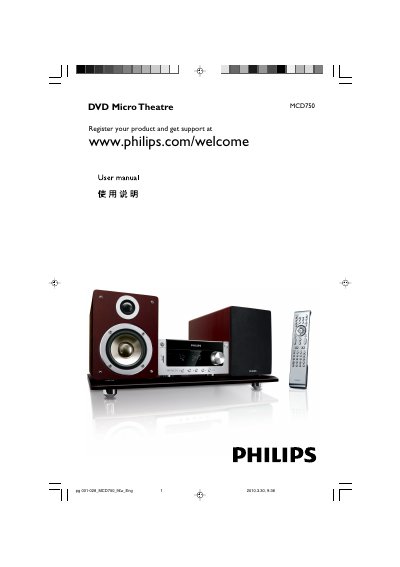
Philips MCD750 DVD Micro Theatre User Manual
The Philips MCD750 is a DVD Micro Theatre system. This user manual covers general information, installation, connections, functional overview, getting started, basic functions, disc operations, system menu options, other functions, specifications, and troubleshooting.
It explains placing and connecting speakers, connecting a TV through composite, component, or S-Video jacks, setting up progressive scan, and using disc playback, radio reception, timers, and USB mass storage devices.
Philips MCD750 specifications
| Rated Output Power | 2 x 25W RMS |
|---|---|
| Frequency Response | 20–20000 Hz |
| Power Supply | 220 V / 50 Hz |
| Dimensions (unit) | 160 x 75 x 280 mm |
All Philips MCD750 documents by type
Day-to-day operation, settings and troubleshooting. Start here if the product is already set up.
Questions answered in these manuals
What is included with the Philips MCD750?
The supplied accessories include a remote control with two AAA batteries, an FM wire antenna, a composite video cable, speaker cables, a stand, an AC/DC adapter, the instruction booklet, and a Quick Start Guide.
How do I connect the DVD system to a TV using composite video?
Use the supplied composite video cable (yellow) to connect the DVD system's VIDEO jack to the video input jack on the TV.
How do I connect the speakers?
Connect the speaker wires to the SPEAKERS terminals, red to the + terminal and silver to the – terminal as shown in the manual.
Where can I register my MCD750?
Visit www.philips.com/welcome to register the product and access support.