
Key facts
Start here
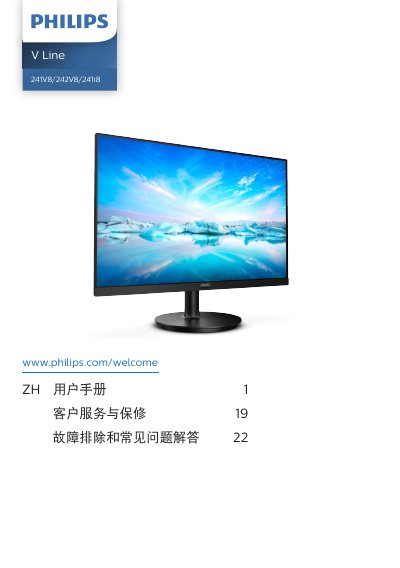
Philips V Line 241V8/242V8/241i8 Monitor User Manual
This user manual covers the setup and operation of the Philips V Line 241V8/242V8/241i8 monitor. It details how to install the stand, connect the monitor to a PC using VGA, HDMI, or DisplayPort, and power it on. The guide also explains the functions of the control buttons, such as adjusting brightness, switching input sources, and accessing the On-Screen Display (OSD) menu. This manual is written in Chinese.
Read onlinePhilips 241V8 specifications
| Panel type | VA |
|---|---|
| Backlight | W‑LED |
| Screen size | 23.6" (59.9 cm) |
| Aspect ratio | 16:9 |
| Native resolution | 1920 × 1080 @ 60 Hz |
| Contrast ratio (typical) | 3000:1 |
| Refresh rate (VGA/HDMI) | 48 Hz – 75 Hz |
| Color depth | 16.7 M colors |
| Adaptive Sync | Yes |
| Low Blue Mode | Yes |
| Typical power consumption (normal operation) | 20.5 W |
All Philips 241V8 documents by type
Day-to-day operation, settings and troubleshooting. Start here if the product is already set up.
Questions answered in these manuals
What resolution should I use for optimal display?
The monitor works best at its native resolution of 1920 × 1080, and the manual recommends using that setting.
What refresh rate is recommended?
A refresh rate of 60 Hz is recommended; you can increase it up to 75 Hz to check for interference.
What is the maximum downward tilt angle for the Philips V Line 241V8/242V8/241i8 monitor?
The monitor should not be tilted downward more than -5 degrees.
What should you do if the monitor is exposed to water?
Turn off the power and unplug the power cord, then remove the foreign object or dry the water and take it to a repair center.