
Key facts
Start here
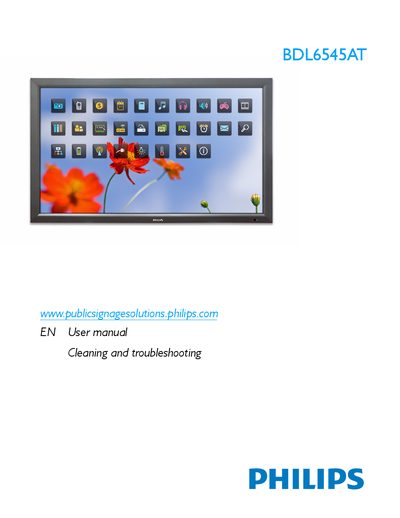
Philips BDL6545AT Display User Manual
This manual covers safety precautions, troubleshooting steps, and proper handling of the Philips BDL6545AT LCD display. It includes guidance on ventilation, cleaning, power‑up procedures, and when to contact qualified service personnel.
Technical specifications, regulatory compliance information, and end‑of‑life disposal instructions are also provided. The document lists power requirements, dimensions, weight, environmental limits, and details of the built‑in speaker and optical touch screen.
Philips BDL6545AT specifications
| Screen Diagonal Size | 65 inches / 165.1 cm |
|---|---|
| Panel Resolution | 1920 x 1080 |
| Brightness | 500 cd/m² |
| Contrast Ratio | 500:1 |
| Response Time | 5 ms |
| Viewing Angle | 178 / 178 degrees |
| Power Consumption (On) | 309 W |
| Power Consumption (Standby) | < 1 W |
| Product Weight | 71.6 kg |
| Operating Temperature | 0 - 40 °C |
Source: Philips BDL6545AT 65-inch Touchscreen Monitor Product Leaflet
All Philips BDL6545AT documents by type
Day-to-day operation, settings and troubleshooting. Start here if the product is already set up.
Questions answered in these manuals
What is the maximum energy saving capability of the SmartPower system?
The SmartPower system can save power consumption by up to 50%.
From: Philips BDL6545AT 65-inch Touchscreen Monitor Product Leaflet
How is the monitor managed remotely?
Remote management and configuration are performed through the RS232 protocol.
From: Philips BDL6545AT 65-inch Touchscreen Monitor Product Leaflet