
Key facts
Start here
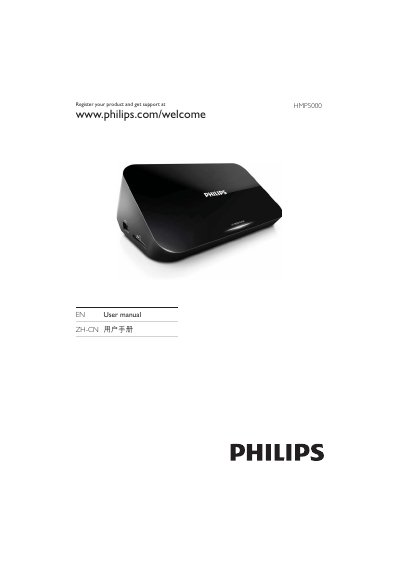
Philips HMP5000 User Manual
This manual explains how to register your Philips HMP5000 product online at www.philips.com/welcome and includes essential safety information before use. It also lists the supported output ports such as TV OUT, AUDIO OUT, HDMI, USB and network interfaces.
The document shows connection diagrams for TV and audio outputs, source selection (TVAV/HDMI), and setup steps for USB cards, SATA, and network (WASU) configurations, helping users get the device up and running quickly.
Philips MP5 specifications
| Audio Output | AUDIO OUT |
|---|---|
| USB Interface | USB CARD |
| Network Interface | WASU Setup |
Source: Philips HMP5000 User Manual
All Philips MP5 documents by type
Disassembly, diagnostics and part numbers, for repair.
Day-to-day operation, settings and troubleshooting. Start here if the product is already set up.
Questions answered in these manuals
Who should use this guide?
This guide is for biomedical engineers or technicians responsible for installing, troubleshooting, repairing, and maintaining Philips' patient monitoring systems.
From: Philips IntelliVue MP5/MP5T Patient Monitor Service Guide
What is the password for Service Mode?
The password required to access Service Mode is 1345.
From: Philips IntelliVue MP5/MP5T Patient Monitor Service Guide
How do I register my Philips HMP5000?
You can register the product online at www.philips.com/welcome.