
Key facts
- Brand
- Philips
- Model
- MCD735
- Category
- Video Player
- Industry
- Electronics
- Documents
- 3
- Languages
- ZH
- Last added
- 2012-03-27
Start here
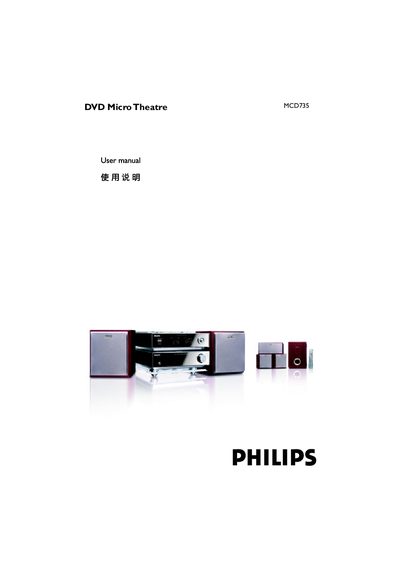
Philips MCD735 DVD Micro Theatre User Manual
The MCD735 DVD Micro Theatre is a compact 5.1‑channel home cinema system that combines a DVD player, digital amplifier and built‑in DTS and Dolby Digital decoders. It includes five satellite speakers, a passive sub‑woofer and a range of audio/video inputs for flexible integration with TVs and other devices.
The manual guides you through placement of speakers, connecting power, audio, video and antenna cables, configuring system settings such as language, parental control, night mode and progressive‑scan, and performing routine maintenance like disc cleaning and dust protection. This manual is written in Chinese.
Philips MCD735 specifications
| Audio Channels | 5.1‑channel digital amplifier |
|---|---|
| Decoders | Built‑in DTS and Dolby Digital decoders |
| Supported Disc Formats | DVD, VCD, MP3, WMA, JPEG image discs |
| Surround Sound Modes | DTS, Dolby Digital, D5C effect |
All Philips MCD735 documents by type
Day-to-day operation, settings and troubleshooting. Start here if the product is already set up.
Questions answered in these manuals
How do I set the clock on the MCD735?
In standby mode, press and hold the CLOCK button on the remote, then adjust the hour with the VOLUME +/- keys, press CLOCK again to set minutes, and press CLOCK once more to confirm.
How can I open and close the disc tray?
Press the OPEN/CLOSE key (or the corresponding button on the remote) to open the disc tray, insert a disc, then press the same key again to close the tray.
How many speakers are included with the system?
The package contains five satellite speakers and one passive sub‑woofer.