
Key facts
- Brand
- Philips
- Model
- SPM1702SB SPM1702VB
- Category
- Mouse keyboard
- Industry
- Computers
- Documents
- 2
- Languages
- EN
- Last added
- 2026-10-15
Start here
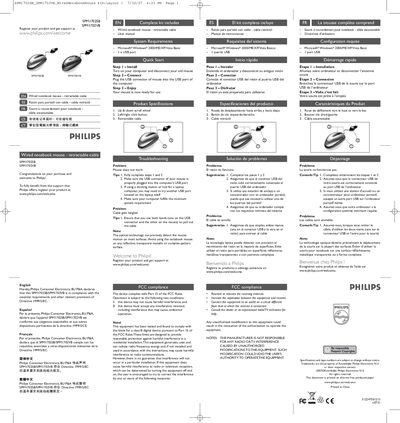
Philips SPM1702SB/SPM1702VB Wired Notebook Mouse User Manual
This document serves as a user guide for the Philips SPM1702SB and SPM1702VB wired notebook mice. It covers the complete unboxing contents, including the mouse with retractable cable and the manual itself. The guide details how to register the product at philips.com/welcome to access support.
Read onlinePhilips SPM1702SB SPM1702VB specifications
| Scroll Wheel | Up & down scroll wheel |
|---|---|
| Buttons | Left/right click button |
| Cable Type | Retractable cable |
Source: Philips SPM1702SB/SPM1702VB Wired Notebook Mouse User Manual
All Philips SPM1702SB SPM1702VB documents by type
Day-to-day operation, settings and troubleshooting. Start here if the product is already set up.
Questions answered in these manuals
What are the system requirements for this mouse?
The mouse requires Microsoft Windows 2000/ME/XP/Vista Basic and one USB port.
From: Philips SPM1702SB/SPM1702VB Wired Notebook Mouse User Manual
What surfaces should be avoided for use?
Avoid using the mouse on reflective, transparent metallic, or complex-pattern surfaces.
From: Philips SPM1702SB/SPM1702VB Wired Notebook Mouse User Manual
How can I prevent the cable from getting tangled?
When pulling out the cable, use both hands—one on the USB connector and the other on the mouse—to extend the cable smoothly.
From: Philips SPM1702SB / SPM1702VB Wired Notebook Mouse User Manual