
Key facts
Start here
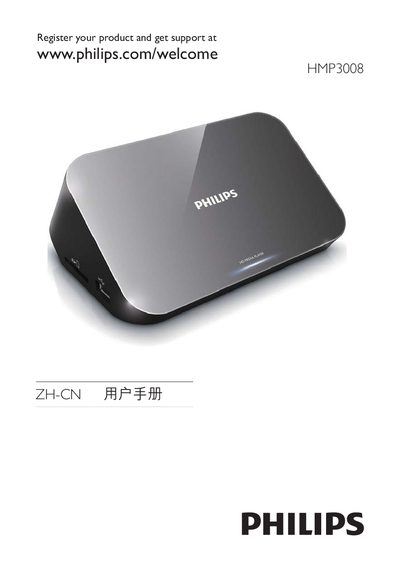
Philips HMP3008 User Manual
This manual begins with product registration instructions, directing users to register at www.philips.com/welcome and includes safety symbols for hazardous substances and environmental protection periods. It also details the meaning of various logos, such as the 10‑year and 5‑year environmental protection use period symbols.
Later sections list trademark notices for HDMI, DivX, RealNetworks RMVB, Windows Media, and DTS 2.0+ Digital Out, indicating the supported media formats and licensing information for the HMP3008. This manual is written in Chinese.
Philips MP30 specifications
| Power Input | DC 9 V 1.1 A |
|---|---|
| Power Consumption (active) | < 10 W |
| Power Consumption (standby) | < 1 W |
| Maximum USB storage size | 1 TB |
| Main unit dimensions | 25 mm × 68 mm × 63 mm |
Source: Philips HMP3000 User Manual
All Philips MP30 documents by type
Disassembly, diagnostics and part numbers, for repair.
Day-to-day operation, settings and troubleshooting. Start here if the product is already set up.
Questions answered in these manuals
What does the MMS module provide?
The MMS provides real time waveform and numeric values for the measurements.
From: Philips IntelliVue MP30 Patient Monitor Service Manual
What is the purpose of this guide?
This guide provides a technical foundation to support effective troubleshooting and repair.
From: Philips IntelliVue MP30 Patient Monitor Service Manual
What should I do if there is no picture on the TV?
Refer to the TV user manual to select the correct video input channel.
Why is there no sound output from the TV?
Make sure the audio cables are connected to the audio input sockets that are grouped with the selected video input sockets.
What is the maximum supported USB storage size?
The player supports USB storage devices up to 1 TB in capacity.
Which video output connections are available?
The HMP3000 provides HDMI output and composite video output (1 Vpp ~ 75 Ω).