
Key facts
- Brand
- Philips
- Model
- MCD759D
- Category
- home theatre
- Industry
- Electronics
- Documents
- 3
- Languages
- EN · ZH
- Last added
- 2012-03-26
Start here
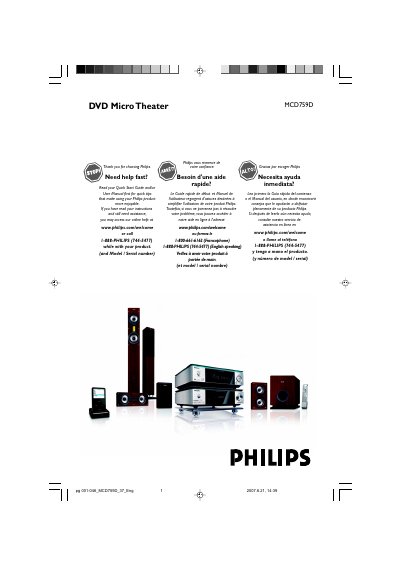
Philips MCD759D DVD Micro Theater User Manual
This Philips MCD759D DVD Micro Theater user manual explains setup and everyday use of the system. It covers connections such as speakers, subwoofer, TV, antennas and power, along with functional overview, basic functions, sound control and disc operations.
The manual also describes system menu options, the iPod dock, radio and clock functions, specifications, troubleshooting and glossary. It includes important safety instructions and product registration information for Philips owners.
All Philips MCD759D documents by type
Day-to-day operation, settings and troubleshooting. Start here if the product is already set up.
Questions answered in these manuals
What should I read first before using the Philips MCD759D?
Read the Quick Start Guide and/or User Manual first for quick tips that make using the product more enjoyable.
How can I register my Philips MCD759D?
Return the Product Registration Card or register online at www.philips.com/welcome.
What type of video connection is required for progressive‑scan display?
Use a Component Video (Y Pb Pr) cable to connect to a TV that supports progressive scan; a progressive‑scan TV is required for the feature.
How should the speakers be connected to the system?
Connect the speakers using the color‑coded DIN cables as shown in the manual, matching each speaker to its corresponding amplifier output, and ensure the subwoofer’s power switch is turned on after all connections are complete.