
Key facts
- Brand
- Philips
- Model
- MCD715
- Documents
- 2
- Languages
- ZH
- Last added
- 2011-10-01
Start here
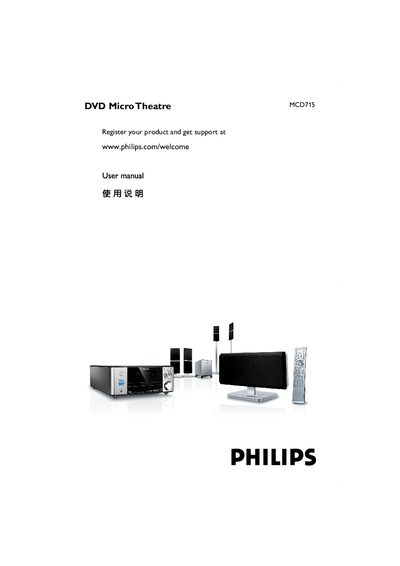
Philips MCD715 DVD Micro Theatre User Manual
This manual covers the features of the MCD715 DVD Micro Theatre, including its 5.1‑channel digital amplifier, Dolby Digital decoding, night mode, parental control, and timer functions. It also lists the supplied accessories such as the remote control, FM antenna, and video cables.
Installation steps explain proper placement, ventilation, and power connection, while the connection section details speaker wiring, TV video inputs (composite, component, S‑Video), FM antenna setup, and USB storage usage. Safety and maintenance guidelines help keep the unit in good condition. This manual is written in Chinese.
Philips MCD715 specifications
| Total audio output power | 160 W RMS |
|---|---|
| Speaker system | Dolby Pro Logic II, DTS, stereo |
| Video DAC | 12‑bit, 108 MHz |
| USB interface | Host (USB playback of photos and music) |
| Weight (including packaging) | 20 kg |
| Power supply | 220 V, 50 Hz |
All Philips MCD715 documents by type
Day-to-day operation, settings and troubleshooting. Start here if the product is already set up.
Questions answered in these manuals
How can I play photos and music from a USB device?
Insert the USB device into the system and it will automatically play photos and music directly.
What audio and video formats does the MCD715 support?
It supports DVD, DivX, S/VCD, MP3‑CD, WMA‑CD, CD(RW), Picture CD, and various video formats including progressive‑scan with a 12‑bit/108 MHz DAC.
How can I register my MCD715 product?
Visit the registration page at www.philips.com/welcome as shown on the first page of the manual.
What cables are needed for progressive‑scan video?
Use a component video (Y Pb Pr) cable; the TV must support progressive scan to display the high‑quality picture.