
Key facts
- Brand
- Philips
- Model
- SA1100/SA1102/SA1103/SA1105/SA1106/SA1110/SA1115
- Category
- Digital cameras
- Industry
- Electronics
- Documents
- 2
- Languages
- ZH
- Last added
- 2000-01-01
Start here
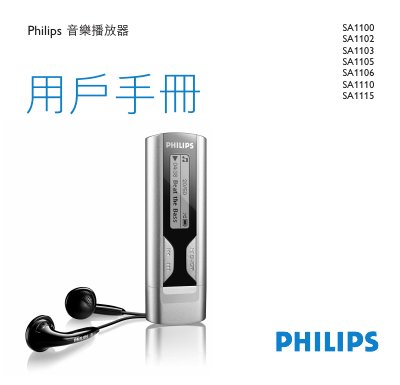
Philips SA1100 Series Music Player User Manual
This user manual provides instructions for the Philips SA1100 series of music players. It details how to install drivers, connect via USB, manage files on a computer, and operate the device's controls. The guide explains features such as playing MP3 and WMA files, voice recording, and various playback modes including shuffle and repeat. This manual is written in Chinese.
Read onlinePhilips SA1100/SA1102/SA1103/SA1105/SA1106/SA1110/SA1115 specifications
| Power source | AAA alkaline battery |
|---|---|
| Display | Monochrome 32 × 128 pixel |
| Signal‑to‑noise ratio | >85 dB |
| Frequency response | 30 – 18000 Hz |
| Internal storage | SA110X 512 MB NAND Flash, SA111X 1 GB NAND Flash |
| Output power (RMS) | 2 × 5 mW |
Source: Philips SA1100/SA1102/SA1103/SA1105/SA1106/SA1110/SA1115 Audio Player User Manual
All Philips SA1100/SA1102/SA1103/SA1105/SA1106/SA1110/SA1115 documents by type
Day-to-day operation, settings and troubleshooting. Start here if the product is already set up.
Questions answered in these manuals
Does this player support DRM-protected WMA songs?
No, the player does not support WMA songs purchased from the internet or protected by digital rights management.
How do I delete voice recordings?
Recordings can only be deleted on a computer by connecting the player and deleting files in the Voice folder.
How do I register my Philips audio player?
Visit www.philips.com/register and sign in to receive free firmware upgrades and notifications.
From: Philips SA1100/SA1102/SA1103/SA1105/SA1106/SA1110/SA1115 Audio Player User Manual