
Key facts
- Brand
- Philips
- Model
- SPC500NC
- Category
- Other Computer Accessories
- Industry
- Computers
- Documents
- 2
- Languages
- ZH · EN
- Last added
- 2026-10-23
Start here
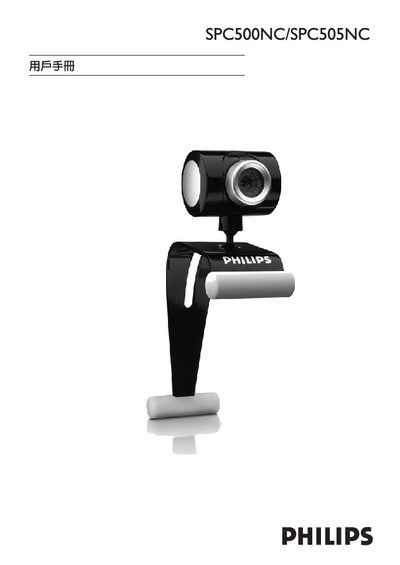
Philips SPC500NC / SPC505NC Security Camera User Guide
User Manual 22 pages · 4.5 MB · EN
This guide explains how to install and operate the Philips SPC500NC and SPC505NC security cameras. It includes instructions for connecting the cameras via USB, installing the provided driver from the CD‑ROM, and configuring the devices on a Windows PC.
The document also lists the supported operating systems (Windows 98SE, ME, 2000 and XP) and details the warranty terms, including a six‑month guarantee on rechargeable batteries and a guarantee certificate with serial‑number information.
Philips SPC500NC specifications
| Sensor Type | CMOS |
|---|---|
| Sensor Resolution | VGA |
| Video Resolution | VGA |
| Snapshot Resolution | VGA |
| Inserted Snapshot Resolution | SVGA |
| Maximum Frame Rate | 30 fps |
| Color Depth | 24 bit |
| White Balance Range | 2600 – 7600 k |
| Cable Length | 1.5 meters |
| Product Dimensions | 35 x 125 x 75 mm |
All Philips SPC500NC documents by type
Product Leaflet 1
User Manual 1
Day-to-day operation, settings and troubleshooting. Start here if the product is already set up.
Questions answered in these manuals
What is the maximum frame rate of the SPC500NC?
The maximum frame rate is 30 fps, providing smooth video images.
Does the SPC500NC have a built-in microphone?
No, it does not have a built-in microphone; it uses an independent external microphone.