
Key facts
Start here
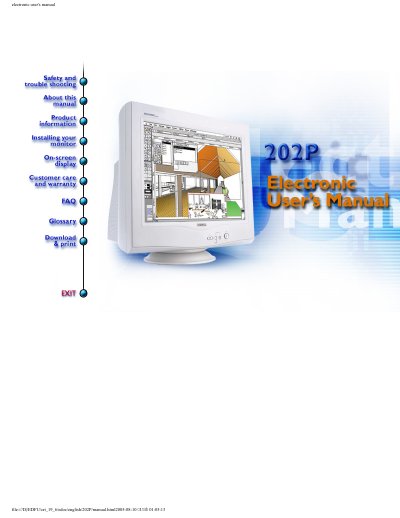
Philips 202P Monitor User Manual
This manual provides safety instructions, setup guidance, and technical specifications for the Philips 202P monitor. It covers features like auto-calibration, sRGB color mode, and power-saving settings. Safety precautions include avoiding moisture, not using alcohol for cleaning, and not removing the back cover. The monitor is ENERGY STAR® compliant and lead-free, with a 22-inch screen and 0.25mm dot pitch. It supports resolutions up to 2048 x 1536 and includes physical dimensions, power requirements, and pin assignments for the 15-pin D-sub connector.
Read onlinePhilips 202P specifications
| Screen Size | 22 inch / 55 cm |
|---|---|
| Dot Pitch | 0.25 mm |
| Horizontal Scanning | 30 - 130 KHz |
| Vertical Scanning | 50 - 160 Hz |
| Maximum Resolution | 2048 x 1536 |
| Power Supply | 100-240VAC, 50-60Hz |
| Operating Temperature | 5° to 35°C |
| Weight | 26 kg |
| Color Temperature | 9300K, 6500K, 5500K |
Source: Philips 202P Monitor User Manual
All Philips 202P documents by type
Day-to-day operation, settings and troubleshooting. Start here if the product is already set up.
Questions answered in these manuals
How do I enable sRGB mode on the monitor?
Open the OSD by pressing the OK button, go to Color temperature, select sRGB, and press OK. Do not change brightness or contrast afterward.
What is the maximum display area?
16.0" x 12.0" / 406 x 305 mm.
What package does the SOT320-2 footprint correspond to?
It corresponds to the QFP128 package.
Where can I find the actual layout dimensions?
Refer to the package outline drawing for the actual layout.
What are the dimensions of the BHL 125 L202 lamp?
The lamp measures 117.0 mm × 102.0 mm × 57.1 mm.