
Key facts
- Brand
- Philips
- Model
- E500
- Category
- Mobilephone Accessories
- Industry
- Electronics
- Documents
- 3
- Languages
- ZH · EN
- Last added
- 2026-11-04
Start here
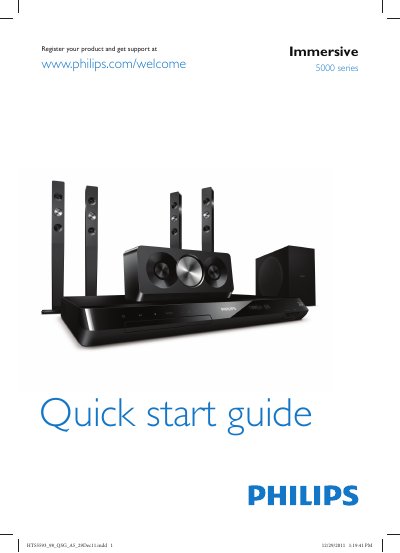
PHILIPS Immersive 5000 series Quick start guide
This quick start guide helps you get the Philips HTS5593 home theater system up and running quickly. It includes safety information, product registration, and basic operating instructions.
Key steps include stand‑mounting the speakers, connecting the system to your TV via HDMI ARC, optical or coaxial audio, switching the system on, and completing the first‑time setup. For additional help, access the on‑screen user manual through the Help menu.
Philips E500 specifications
| Initial charging time | At least 24 hours |
|---|---|
| Battery runtime per full charge | Approximately 2 weeks (2 minutes twice a day) |
| Brush‑head replacement interval | Every 6 months |
| Smartimer duration | 2 minutes per brushing cycle |
| Low‑battery indication | 5 beeps, 3 or fewer brushings left |
All Philips E500 documents by type
Day-to-day operation, settings and troubleshooting. Start here if the product is already set up.
The shortest path to a working setup, usually only a few pages.
Questions answered in these manuals
How do I unlock the keyboard?
Press and hold the '5' key to lock the keyboard. To unlock, press the left soft key first, then press the '5' key.
Can I use the phone while it is charging?
Yes, you can use the phone while it is charging.
How do I mount the speakers?
Stand mount the speakers as shown in the guide.
How can I connect the home theater to my TV?
Connect to the TV using HDMI ARC, optical, HDMI + audio L/R, or coaxial as described.
How long should I charge the Sonicare the first time?
Charge the handle for at least 24 hours during the first few days of use.
What does the low‑battery beep mean?
It means the battery is low and only three or fewer 2‑minute brushings remain.