
Key facts
- Brand
- Philips
- Model
- MCD710B
- Category
- Hi-Fi
- Industry
- Appliances
- Documents
- 3
- Languages
- ZH
- Last added
- 2012-03-27
Start here
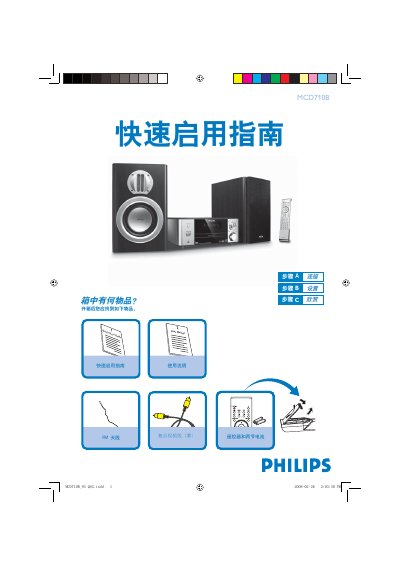
Philips MCD710B Composite Video Cable Quick Start Guide
The guide begins with a list of items included in the box, such as the yellow composite video cable, FM antenna, remote control with two batteries, and power cord. It then provides step‑by‑step instructions for connecting the cable to a TV, DVD player, and FM antenna, as well as setting the correct video input on the television.
Further sections cover setting the system clock, operating the DVD menu, using the USB port for audio playback, and detailed remote‑control functions. Tips for interlaced/ progressive scan settings and radio tuning are also included. This manual is written in Chinese.
Philips MCD710B specifications
| Audio Output Power | 2 × 50 W RMS |
|---|---|
| Speaker Configuration | 4‑inch bass speaker with dual‑way 4‑inch tweeter |
| Power Supply | 220 V, 50 Hz |
| Weight (including packaging) | 10 kg |
| Video DAC | 12‑bit / 108 MHz |
All Philips MCD710B documents by type
Day-to-day operation, settings and troubleshooting. Start here if the product is already set up.
The shortest path to a working setup, usually only a few pages.
Questions answered in these manuals
How do I set the clock on the MCD710B system?
In standby mode, hold the CLOCK button, use the VOLUME‑/ + keys to adjust hours and minutes, then press CLOCK to confirm.
From: Philips MCD710B Composite Video Cable Quick Start Guide
How can I play a DVD with the MCD710B unit?
Press the / key to open the disc tray, insert a disc with the label side up, then close the tray and the disc will start playing automatically.
From: Philips MCD710B Composite Video Cable Quick Start Guide
What clearance is required around the unit for ventilation?
Leave at least 10 cm (4 inches) of space on the back, top, and sides of the unit.
How should I clean a dirty disc?
Wipe the disc with a non‑abrasive cloth, moving from the centre outward.