
Key facts
Start here
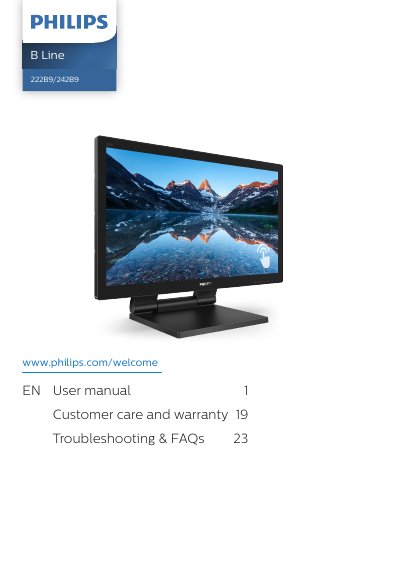
Philips 241B8 B Line 222B9/242B9 Monitor User Manual
User Manual 30 pages · 2.9 MB · EN
This manual provides instructions for setting up the Philips 241B8 B Line 222B9/242B9 monitor, including connecting the power cord, signal cables, and USB upstream cable. It details the installation process and how to operate the monitor for the first time.
Read onlineAll Philips 242B9 documents by type
User Manual 2
Day-to-day operation, settings and troubleshooting. Start here if the product is already set up.
Questions answered in these manuals
What should I do if foreign objects or water enter the monitor?
Immediately turn off the power and unplug the power cord, then remove the foreign object or dry the water.
How can I prevent image burn-in or ghosting?
Ensure the screen saver or screen refresh application is activated when the monitor is unattended.
What is the maximum operating temperature range for this monitor?
The monitor should be used in a location where the temperature falls between 0-40°C or 32-104°F.
What is the recommended break schedule to prevent eye strain?
It is better to take a 5-10 minute break after 50-60 minutes of continuous screen use.