
Key facts
- Brand
- Philips
- Model
- AD7000W
- Category
- Other Electronics
- Documents
- 3
- Languages
- ES · EN · ZH
- Last added
- 2023-11-16
Start here
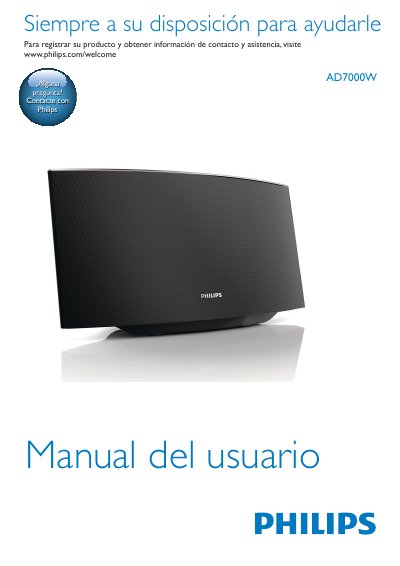
Philips AD7000W Sound System User Manual
The Philips AD7000W is an entertainment system with a built-in Wi-Fi module. The manual explains AirPlay setup and streaming from an iTunes music library on a Mac, PC, iPhone, iPod touch, or iPad over a home Wi-Fi network.
It also covers power connection and turning on the unit, playback controls and sound settings, charging or playing an iPod/iPhone/iPad through the USB socket, playback from an external device through MP3-LINK, firmware updates, product information, and troubleshooting. This manual is written in Spanish.
Philips AD7000W specifications
| Wireless module | Built-in Wi-Fi |
|---|---|
| USB port | Charges iPod/iPhone/iPad through the USB socket |
| MP3-LINK input | Connects an external audio player using the supplied MP3 connection cable |
| Power input | DC IN for the AC power adapter |
All Philips AD7000W documents by type
Day-to-day operation, settings and troubleshooting. Start here if the product is already set up.
Questions answered in these manuals
What devices can I connect to the USB socket?
You can connect an iPod, iPhone, or iPad using an Apple USB cable, which is not included.
How long does the AD7000W take to initialize?
Initialization can take about 35 seconds.
How long does the boot-up process take?
The boot-up process takes about 35 seconds.
What iOS version is required for AirPlay compatibility?
You need an iPod touch/iPhone/iPad installed with iOS 4.3.3 (or later).
What devices work with AirPlay on the AD7000W?
iPod touch, iPhone, iPad, Mac, and PC with iTunes can stream music via AirPlay.
What devices can connect to the speaker dock using AirPlay?
iPod touch, iPhone, iPad, Mac, and PC can connect using AirPlay.