
Key facts
Start here
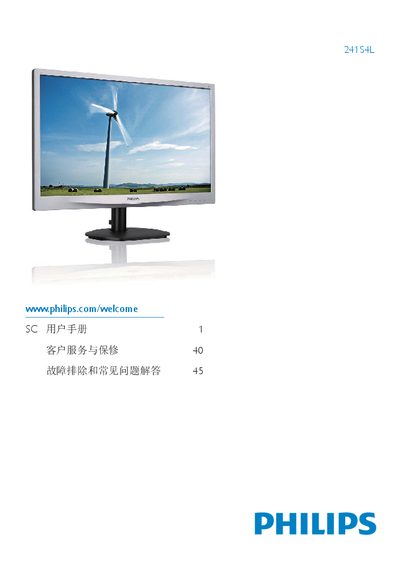
Philips 241S4L Monitor User Guide
This user guide covers everything needed to install and use the Philips 241S4L flat‑panel monitor. It includes safety measures, disposal information, step‑by‑step installation of the stand, connection to a PC, and detailed instructions for navigating the OSD menu and using SmartControl features.
Additional sections explain power‑management options, warranty and service information, and a comprehensive FAQ that answers common questions about color settings, wall‑mounting, compatibility with PCs, Macs and workstations, and image‑retention behavior. This manual is written in Chinese.
Philips 241S4 specifications
| Operating Temperature | 0-40°C |
|---|---|
| Operating Humidity | 20-80% RH |
| Inputs | VGA, DVI |
All Philips 241S4 documents by type
Day-to-day operation, settings and troubleshooting. Start here if the product is already set up.
Questions answered in these manuals
What are the available SmartImage modes?
The monitor offers six modes: Office, Photo, Movie, Game, Economy, and Off.
What is the recommended break interval for continuous screen use to prevent eye fatigue?
You should rest your eyes for 5-10 minutes after using the screen continuously for 50-60 minutes.
How often should I rest my eyes while using the monitor?
It is recommended to rest for 5-10 minutes every 50-60 minutes of continuous use.
What happens if I leave a static image on the screen for too long?
It may cause 'image retention' or 'burn-in' marks on the screen which might not disappear.