
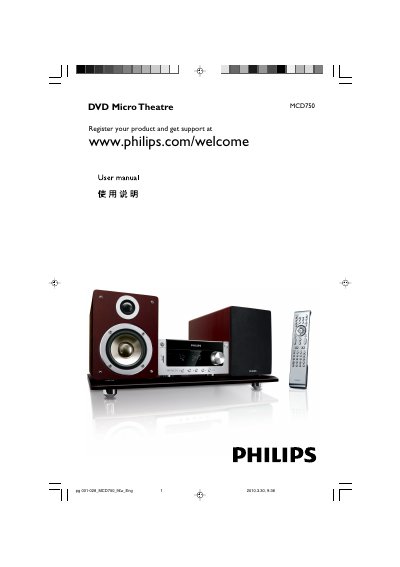
The Philips MCD750 is a DVD Micro Theatre system. This user manual covers general information, installation, connections, functional overview, getting started, basic functions, disc operations, system menu options, other functions, specifications, and troubleshooting.
It explains placing and connecting speakers, connecting a TV through composite, component, or S-Video jacks, setting up progressive scan, and using disc playback, radio reception, timers, and USB mass storage devices.
| Supplied AC/DC adapter | Input 100-240V ~ 50-60Hz 1.8 A MAX; Output 25V == 2.5A |
|---|---|
| Laser classification | Class 1 laser product |
The supplied accessories include a remote control with two AAA batteries, an FM wire antenna, a composite video cable, speaker cables, a stand, an AC/DC adapter, the instruction booklet, and a Quick Start Guide.
Use the supplied composite video cable (yellow) to connect the DVD system's VIDEO jack to the video input jack on the TV.
Select the correct source before pressing the function button, point the remote control at the remote sensor, reduce the distance, remove obstacles, and replace or correctly load the batteries.
Place the DVD micro system as far away as possible from electrical devices that may be causing interference.