
Key facts
Start here
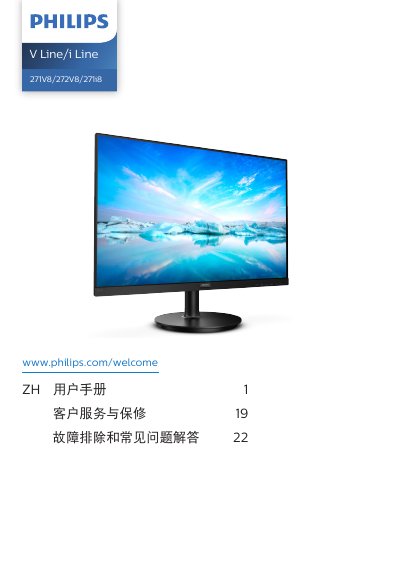
Philips V Line/i Line 271V8/272V8/271i8 User Manual
User Manual 28 pages · 3.3 MB · ZH
This user manual covers the setup and operation of Philips V Line/i Line 271V8/272V8/271i8 monitors. It includes instructions for installing the stand, connecting the monitor to a PC via VGA, HDMI, or DisplayPort, and powering it on. The guide details the functions of the control buttons for accessing the On-Screen Display (OSD) menu, adjusting brightness, switching input sources, and controlling volume on specific models. This manual is written in Chinese.
Read onlineAll Philips 271V8/272V8/271i8 documents by type
User Manual 2
Day-to-day operation, settings and troubleshooting. Start here if the product is already set up.