
Key facts
Start here
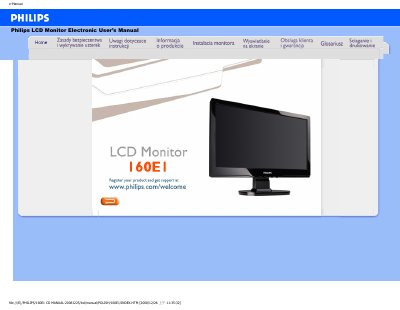
Philips 160E1 LCD Monitor User Manual
This document serves as the electronic user's manual for the Philips 160E1 LCD monitor. It contains essential safety warnings, operational instructions, and guidance on maintaining the device to ensure optimal performance and longevity. The manual emphasizes proper handling, such as avoiding direct sunlight and using approved power cords, and details how to clean the screen without damaging the protective coating. This manual is written in Polish.
Read onlinePhilips 160E1 specifications
| Operating Temperature | 0 - 40°C (32 - 104°F) |
|---|---|
| Operating Humidity | 20 - 80% RH |
| Recommended Video Mode | 1366 x 768 @60Hz |
All Philips 160E1 documents by type
Day-to-day operation, settings and troubleshooting. Start here if the product is already set up.
Questions answered in these manuals
What should I do if the screen displays 'Cannot display this video mode' during installation?
Set the resolution to 1366 x 768 pixels and the refresh rate to 60 Hz in the Windows Display properties.
Does the refresh rate matter for an LCD monitor?
No, LCD monitors display a stable, non-flickering image at 60 Hz, and there are no visible differences between 85 Hz and 60 Hz.
What video mode should I set for the Philips 160E1 monitor?
Set the display to 1366 × 768 resolution at 60 Hz.
How do I reset the monitor to its factory settings?
Press the MENU button and select Reset to restore the original factory configuration.