
Key facts
Start here
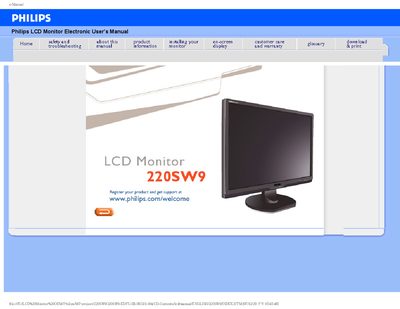
Philips 220SW9 LCD Monitor User Manual
This manual covers safety precautions, recommended operating conditions, and step‑by‑step installation guidance for the Philips 220SW9 LCD monitor. It explains how to position the monitor, connect power, and adjust basic settings such as resolution and color temperature.
The document also includes a comprehensive FAQ section with troubleshooting tips, screen‑adjustment procedures, compatibility information, and details on mounting options and USB functionality.
Philips 220SW9 specifications
| Operating Temperature | 0‑40 °C (32‑95 °F) |
|---|---|
| Operating Humidity | 20‑80 % RH |
| Recommended Video Mode | 1680 × 1050 @ 60 Hz |
| Mounting | VESA‑compatible rear mounting holes |
All Philips 220SW9 documents by type
Day-to-day operation, settings and troubleshooting. Start here if the product is already set up.
Questions answered in these manuals
What should I do if the screen shows “Cannot display this video mode”?
Set the monitor to the recommended video mode of 1680 × 1050 @ 60 Hz.
How do I adjust the resolution?
Use the Windows Display Control Panel to select the desired resolution and refresh rate.
What should I do if water gets into the monitor?
Turn the power off immediately, disconnect the power cord, remove the water, and send the monitor to a maintenance center.
How long must I wait before reconnecting the power cable after turning the monitor off?
Wait for 6 seconds before attaching the power cable or DC power cord.
How do I set the correct resolution for the monitor?
Set the display to 1680 × 1050 @ 60 Hz using the Windows display properties.
What should I do if the monitor does not power on?
Check that the AC power cable is securely connected to the power socket and then press any keyboard key to turn the monitor on.