
This document is the electronic user manual for Philips LCD monitors, providing safety precautions and troubleshooting information.
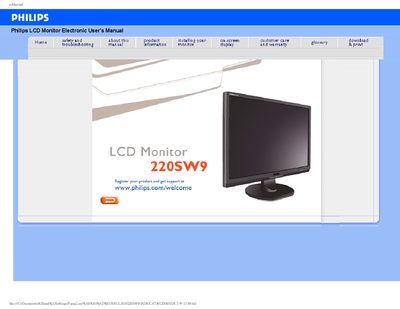
This electronic user’s guide covers safety and troubleshooting information, product specifications, installation steps, on‑screen display controls, and customer care details for the Philips 220SW9 LCD monitor. It also explains the SmartImage and SmartContrast features and how to use them.
The manual includes important safety warnings, environmental operating limits, maintenance tips, and instructions for handling water exposure or foreign substances. Warranty and contact information for Philips service centers worldwide are provided at the end of the document.
| Operating Temperature | 0‑40°C (32‑95°F) |
|---|---|
| Operating Humidity | 20‑80% RH |
Turn the power off immediately, disconnect the power cord, remove the water, and send the monitor to a maintenance center.
Wait for 6 seconds before attaching the power cable or DC power cord.
Activate a moving screen saver and a periodic screen refresh when the display shows static content.