
This document is the electronic user manual for Philips 220SW9 monitor. It mainly introduces the safety measures, maintenance and troubleshooting of the monitor.
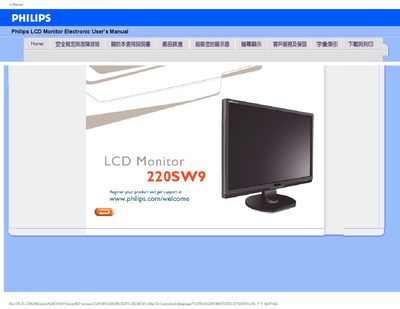
This manual covers safety precautions for using the Philips 220SW9 LCD monitor, including proper ventilation, handling, and environmental limits. It also explains how to connect the monitor, power it on safely, and clean the screen without damaging the surface.
The document includes a FAQ section that answers common questions about resolution settings, USB connectivity, auto‑adjust features, and what to do if the monitor does not power on. Installation steps, display configuration, and recommended operating conditions are also provided. This manual is written in Chinese.
| Operating Temperature | 0‑40 °C (32‑95 °F) |
|---|---|
| Relative Humidity | 20‑80 % RH |
| Recommended Resolution | 1680 × 1050 @ 60 Hz |
Set the display to 1680 × 1050 @ 60 Hz using the Windows display properties.
Check that the AC power cable is securely connected to the power socket and then press any keyboard key to turn the monitor on.
Press the AUTO button to automatically adjust brightness, contrast, and timing without using the OSD menu.