
Key facts
Start here
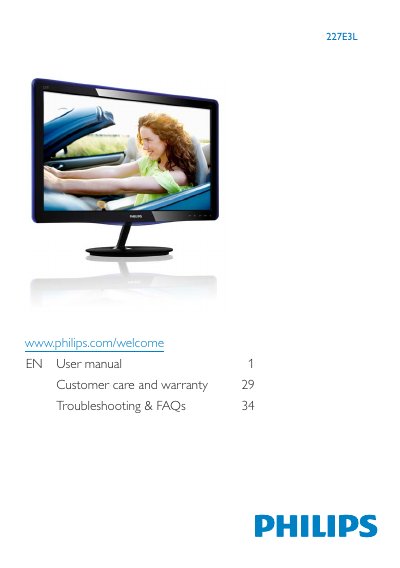
Philips 227E3L Monitor User Manual
This user manual is for the Philips 227E3L monitor and explains how to set up, operate, and maintain the display. It includes safety precautions, installation steps, and guidance on using the on-screen display and control keys.
The document also covers image optimization features such as SmartImage Lite and SmartContrast, the PowerSensor, power management, technical specifications, regulatory information, customer care and warranty, and troubleshooting with FAQs.
Philips 227E3L specifications
| Resolution | 1920 x 1080 @60Hz |
|---|---|
| Operating Temperature | 0-40°C (32-95°F) |
| Operating Humidity | 20-80% RH |
All Philips 227E3L documents by type
Day-to-day operation, settings and troubleshooting. Start here if the product is already set up.
Questions answered in these manuals
What is the recommended operating temperature for the monitor?
Use the monitor in a location with a temperature between 0-40°C (32-95°F).
What is the recommended operating humidity for the monitor?
Use the monitor in a location with humidity between 20-80% RH.
Why is the text on the display blurry or jagged?
The LCD monitor works best at its native resolution of 1920 x 1080 @60Hz. For optimal display, use this resolution.
What should I do if the display shows a static image for long periods?
Enable the screen refresh application to prevent image burn-in or ghosting.
How do I clean the LCD surface?
Use a dry cloth for general cleaning; for further cleaning use isopropyl alcohol, and do not use other solvents such as ethanol, acetone, or hexane.
Does the monitor support Plug-and-Play?
Yes; it is compatible with Windows 7, Vista, XP, NT, Mac OSX, and Linux Plug-and-Play.