
Key facts
Start here
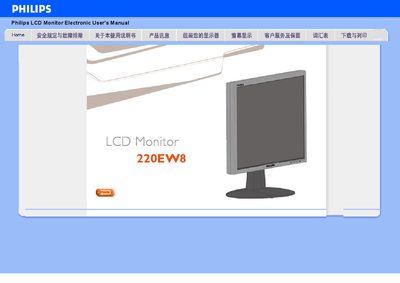
Philips 220EW8 LCD Monitor User Manual
The Philips 220EW8 is a widescreen LCD monitor offering a WSXGA 1680×1050 resolution, 5 ms response time, and dual inputs for both analog VGA and digital DVI with HDCP support. It complies with RoHS standards, includes a built‑in power supply, and provides SmartImage Lite technology to optimise brightness and contrast for different content types.
The manual also covers SmartResponse, SmartManage, and power‑saving functions, and includes detailed sections on physical specifications, pin assignments, and product illustrations. Instructions for enabling SmartImage Lite and other configuration options are provided throughout.
Philips 220EW8 specifications
| Recommended resolution | 1680x1050 @ 60 Hz |
|---|---|
| Power input | AC |
| Video inputs | DVI‑D, VGA |
| Video inputs | VGA |
All Philips 220EW8 documents by type
Day-to-day operation, settings and troubleshooting. Start here if the product is already set up.
Mounting, wiring and first power-up. Read it before the hardware goes in.
Questions answered in these manuals
How do I install the monitor base?
Place the base on the desk, insert the monitor vertically into the base, check the insertion, then lay the unit horizontally.
How do I lock the anti‑theft switch?
Pull the slide switch upward and lock it; to unlock, pull it down.
What resolution does the Philips 220EW8 support?
It supports a WSXGA 1680×1050 resolution.
Which input connections are available on the monitor?
The monitor has dual inputs: an analog VGA port and a digital DVI‑D port with HDCP support.