
Key facts
Start here
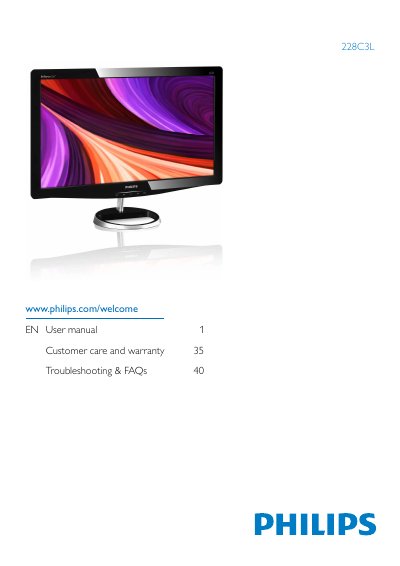
Philips 228C3L Monitor User Manual
This manual explains how to safely install and operate the Philips 228C3L flat‑panel monitor. It covers safety precautions, disposal, power management, and warranty information to help users maintain the device and avoid damage.
The guide also details image‑optimization functions such as SmartImage, connectivity options, technical specifications, and answers common troubleshooting questions. Additional resources include driver installation, VESA mounting, and contact information for customer support.
Philips 228C3L specifications
| Panel type | TFT -LCD |
|---|---|
| Backlight | LED |
| Panel size | 21.5'' W (54.6 cm) |
| Aspect ratio | 16:9 |
| Brightness | 250 cd/m² |
| Contrast ratio (typical) | 1000:1 |
| Response time (typical) | 2 ms |
| Native resolution | 1920 x 1080 @ 60Hz |
| Vertical refresh rate | 56Hz - 76Hz |
| Viewing angle | 170° (H) / 160° (V) |
| Pixel pitch | 0.248 x 0.248 mm |
All Philips 228C3L documents by type
Day-to-day operation, settings and troubleshooting. Start here if the product is already set up.
Questions answered in these manuals
What is the recommended resolution for this monitor?
The recommended resolution is 1920 × 1080 @ 60 Hz.
How should I clean the monitor surface?
Use a clean, soft cloth for normal cleaning; for extensive cleaning, use isopropyl alcohol and avoid other solvents.
Can I change the monitor's colour settings?
Yes, you can adjust colour settings through the OSD control, including colour temperature, sRGB mode, and user‑defined RGB values.
Can the monitor be connected to a PC, workstation or Mac?
Yes. All Philips monitors are fully compatible with standard PCs, Macs and workstations; a cable adapter may be needed for Mac.
Can I change the monitor's color settings?
Yes, you can change the color settings through the OSD control.
Can the Philips monitor be wall‑mounted?
Yes, the monitor can be mounted on a VESA‑compatible bracket using the standard VESA mounting holes on the back.