
This document is the user manual of Philips 220SW9 monitor. It mainly introduces the safety use, maintenance, common problems, troubleshooting and other content of the monitor.
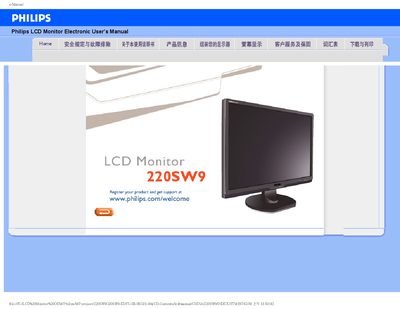
This manual covers safety precautions, proper handling, and maintenance of the Philips 220SW9 22‑inch LCD monitor. It explains how to avoid damage, clean the screen safely, and what environmental conditions are suitable for operation.
The document also includes a detailed FAQ section that addresses common issues such as video mode errors, driver installation, display settings, USB functionality, and mounting options, plus instructions for downloading drivers and printing the manual.
| Native resolution | 1680x1050 @ 60 Hz |
|---|---|
| Operating temperature | 0‑40 °C |
| Operating humidity | 20‑80 % RH |
| VESA mounting | 4 standard VESA mounting holes |
Set the display resolution to 1680 × 1050 at 60 Hz as recommended, then restart the computer.
Use a soft dry cloth for routine cleaning; for thorough cleaning use a mild alcohol solution, and avoid organic solvents such as ethanol or acetone.
Yes, the monitor has four standard VESA mounting holes that allow attachment to most VESA‑compatible arms or brackets.