
This document is the electronic user's manual for Philips 220SW9 LCD monitor, which mainly introduces the safety precautions and maintenance, FAQs, troubleshooting and regulatory information of the monitor.
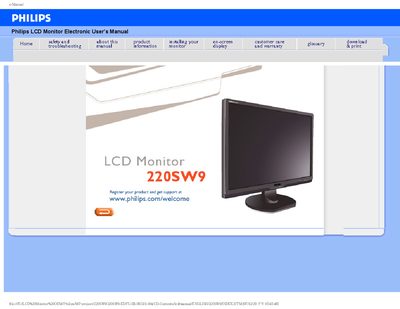
This manual covers safety precautions, recommended operating conditions, and step‑by‑step installation guidance for the Philips 220SW9 LCD monitor. It explains how to position the monitor, connect power, and adjust basic settings such as resolution and color temperature.
The document also includes a comprehensive FAQ section with troubleshooting tips, screen‑adjustment procedures, compatibility information, and details on mounting options and USB functionality.
| Operating Temperature | 0‑40 °C (32‑95 °F) |
|---|---|
| Operating Humidity | 20‑80 % RH |
| Recommended Video Mode | 1680 × 1050 @ 60 Hz |
| Mounting | VESA‑compatible rear mounting holes |
Set the monitor to the recommended video mode of 1680 × 1050 @ 60 Hz.
Use the Windows Display Control Panel to select the desired resolution and refresh rate.
Yes, the monitor has standard VESA mount holes that allow wall‑mounting with compatible arms.
For LCDs the refresh rate is not really applicable because each pixel is controlled by a TFT element.