
Key facts
Start here
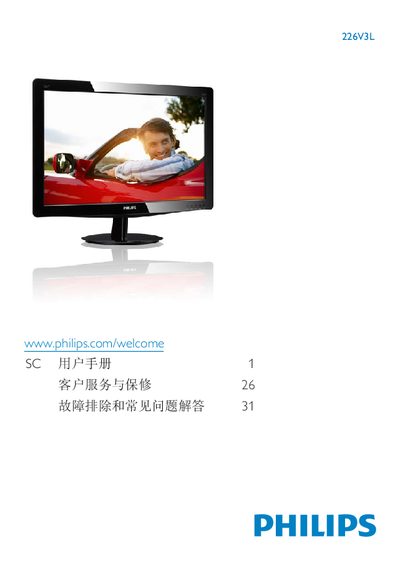
Philips 226V3L Monitor User Manual
This manual covers important safety information, proper handling, and installation steps for the Philips 226V3L LCD monitor. It explains how to mount the monitor, connect video and audio cables, and configure the on‑screen display (OSD) settings such as brightness, contrast, and color temperature.
Additional sections describe recycling guidelines, warranty conditions, and a troubleshooting FAQ that addresses common issues like image retention, cleaning the screen, and compatibility with PCs and Macs. This manual is written in Chinese.
Philips 226V3L specifications
| Display Resolution | 1920 x 1080 @ 60 Hz |
|---|---|
| Operating Temperature | 0 °C – 32 °C – 95 °F |
| Operating Humidity | 20 % – 80 % RH |
All Philips 226V3L documents by type
Day-to-day operation, settings and troubleshooting. Start here if the product is already set up.
Questions answered in these manuals
Can the Philips 226V3L monitor be connected to a PC, workstation or Mac?
Yes, the monitor is compatible with PCs, workstations and Mac computers when the appropriate video cable is used.
How should I clean the LCD screen?
Use a dry, soft cloth to gently wipe the screen; do not use solvents, alcohol, or water‑based liquids.
How should I clean the LCD surface?
Use a dry, soft cloth. If needed, a mild cleaning solution can be used, but avoid alcohol or other solvents.