
Key facts
- Brand
- Philips
- Model
- AZ1852
- Documents
- 4
- Languages
- ZH · EN
- Last added
- 2026-10-24
Start here
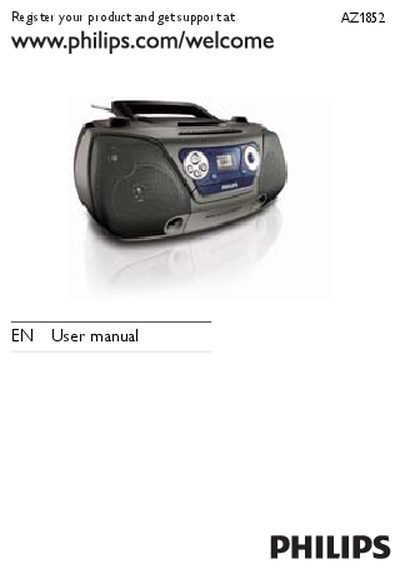
Philips AZ1852 User Manual
This manual covers important safety instructions, environmental information, and proper handling of the AZ1852 CD sound machine. It explains battery installation, disposal, and recycling guidelines to ensure safe and compliant use.
The guide includes a quick‑start overview, detailed operation of the remote control, source selection, volume and playback functions, as well as maintenance steps such as cleaning the disc lens and cabinet. Troubleshooting tips help resolve power, sound, and radio reception issues.
Philips AZ1852 specifications
| Disc Diameter | 12 cm / 8 cm |
|---|---|
| DAC Resolution | 24 bit / 44.1 kHz |
| Frequency Response | 60 Hz - 16 kHz |
| Power Supply | 220 V, 50 Hz or DC 6X1.5 V |
| Dimensions | 360 x 256 x 161 mm |
All Philips AZ1852 documents by type
Day-to-day operation, settings and troubleshooting. Start here if the product is already set up.
Questions answered in these manuals
What disc formats are supported?
The device supports CD-DA, CD-R, CD-RW, MP3-CD, and WMA-CD audio formats.
How do I clean the CD lens?
Use a Philips CD lens cleaner or other commercially available cleaners to clean the lens after long-term use.
What should I do if the unit has no power?
Check that the mains cord is securely connected, verify that the AC mains is supplying power, and ensure the batteries are inserted correctly.
How can I clean the disc lens?
Use a Philips CD lens cleaner or a commercially available cleaner and follow the supplied instructions to clean the lens.
What is the RMS output power of the AZ1852?
The listed RMS output power is 2 x 1 W.
From: Philips AZ1852 CD Soundmachine USB Direct Product Leaflet
What radio band does the tuner support?
The listed tuner band is FM.
From: Philips AZ1852 CD Soundmachine USB Direct Product Leaflet