
Key facts
- Brand
- Philips
- Model
- AZ1627
- Category
- Other
- Industry
- Appliances
- Documents
- 3
- Languages
- EN · ZH
- Last added
- 2012-03-27
Start here
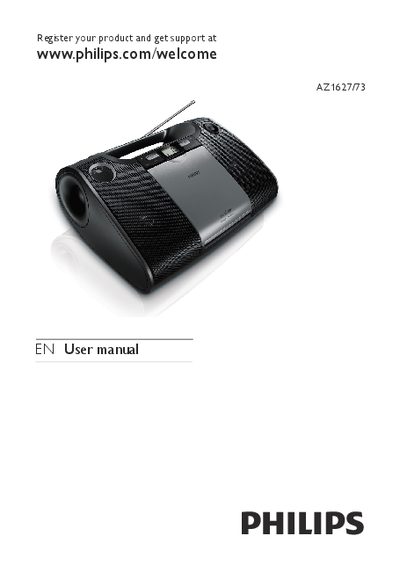
Philips AZ1627/73 CD Soundmachine User Manual
This manual begins with important safety instructions, covering proper handling, ventilation, power‑cord protection, and battery usage. It also includes environmental disposal information for the product, batteries, and packaging in accordance with European directives.
The guide describes the CD Soundmachine’s features—playing CDs, MP3/WMA discs, USB devices, and FM/MW radio—along with contents of the box, basic operation, and troubleshooting tips such as disc defects, laser lens cleaning, and CD‑skip issues.
Philips AZ1627 specifications
| Audio system | Stereo |
|---|---|
| Output power (RMS) | 2 × 1 W |
| Speaker diameter | 3 inches |
| Volume control | Rotary |
| Power supply | 220‑240 V AC |
| Battery type | LR14 |
| Battery voltage | 1.5 V |
| Product dimensions (W × H × D) | 348 × 127 × 238 mm |
| Weight | 1.8 kg |
| USB interface | USB host |
| 3.5 mm stereo input | MP3‑Link |
| Tuner bands | FM stereo, MW |
| Programmable tracks | 20 |
All Philips AZ1627 documents by type
Day-to-day operation, settings and troubleshooting. Start here if the product is already set up.
Questions answered in these manuals
How should I handle the batteries in the CD Soundmachine?
Install batteries with correct polarity, do not mix old and new or different chemistries, remove them if the unit will not be used for a long time, and keep them away from excessive heat.
How can I play MP3/WMA files from a portable device on the AZ1627?
Insert the portable player into the USB Direct socket and the system will play the files through its speakers.
What disc formats does the AZ1627 support?
It can play CD, CD‑R, CD‑RW, MP3‑CD and WMA‑CD.
How do I install the batteries in the AZ1627/96?
Open the battery compartment, insert the batteries with the correct polarity (+ and –) as marked on the device, and close the compartment.
Which USB file systems are compatible with the device?
The device supports FAT12, FAT16, and FAT32 file systems on USB drives and memory cards.