
Key facts
- Brand
- Philips
- Model
- AZ1047
- Category
- Other
- Industry
- Appliances
- Documents
- 3
- Languages
- EN · ZH
- Last added
- 2012-03-27
Start here
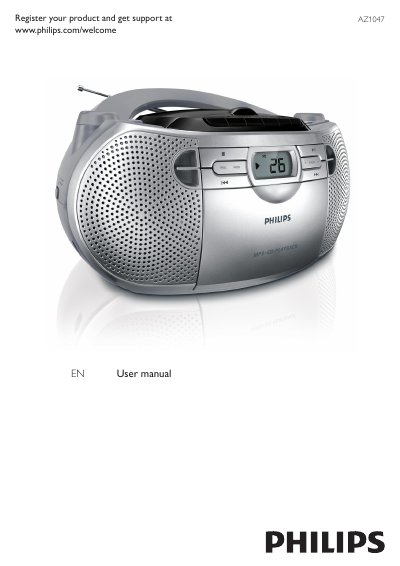
Philips AZ1047 Soundmachine User Manual
This manual covers important safety instructions for the AZ1047 Soundmachine, including proper handling, battery installation, and environmental considerations. It also explains the device’s features such as CD playback, FM/MW radio, cassette recording, and programmable track sequences.
The guide walks you through initial setup, power connection, battery installation, and how to use each control function. Troubleshooting tips address common issues like no power, no sound, disc playback problems, and cassette recording errors, while product specifications are listed for reference.
Philips AZ1047 specifications
| Dimensions (Main unit) | 291 x 146 x 243 mm |
|---|---|
| Weight | 1.8 kg |
| Power supply | DC 9V 1.5 A, AC 110~127 / 220~240 V |
| Power consumption (active) | 12 W |
| Power output | 2 x 1 W RMS |
| Operating temperature range | -10°C to +50°C |
All Philips AZ1047 documents by type
Day-to-day operation, settings and troubleshooting. Start here if the product is already set up.
How to use the product for one specific task, with worked examples.
Questions answered in these manuals
How do I install the batteries in the AZ1047 Soundmachine?
Open the battery compartment, insert six 1.5 V R14/UM‑2/C‑cell batteries with correct polarity, and close the compartment.
What should I do if the Soundmachine has no power?
Check that the power cord is securely connected, verify the outlet has power, and ensure the batteries are installed correctly; if needed, disconnect and reconnect the AC power cord.