
Key facts
- Brand
- Philips
- Model
- AZ1022
- Category
- Other
- Industry
- Appliances
- Documents
- 2
- Languages
- EN · ZH
- Last added
- 2012-03-27
Start here
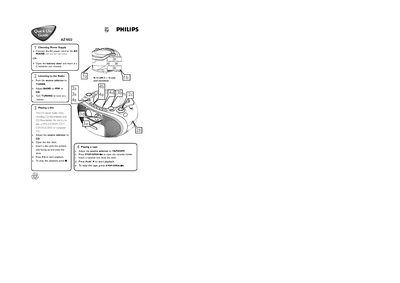
Philips AZ1022 Quick Start Guide
The guide explains how to power the AZ1022 either by connecting the AC power cord to the mains inlet or by inserting six C batteries. It then describes selecting the source (radio, CD, or tape) and adjusting the band and tuning to receive stations.
Instructions are provided for playing CDs and tapes, including opening the disc or cassette door, inserting media, and using the PLAY, STOP, and other control buttons. Additional controls such as volume, shuffle, repeat, bass enhancement, and programming of disc tracks are also covered.
Philips AZ1022 specifications
| Power supply | AC mains |
|---|---|
| Battery type | 1.5V R‑14 (or UM‑2 / C type) |
| Supported media | CD, MP3, CD‑ROM, VCD, DVD |
All Philips AZ1022 documents by type
Day-to-day operation, settings and troubleshooting. Start here if the product is already set up.
The shortest path to a working setup, usually only a few pages.
Questions answered in these manuals
How do I enable shuffle mode?
Press the SHUFFLE button to select shuffle mode.
How do I start CD playback?
Press the PLAY button on the front panel.
How do I pause or stop playback?
Press PAUSE to pause and STOP to stop the current playback.