
The document is the user manual for AZ1852, which details the usage methods and precautions for the product
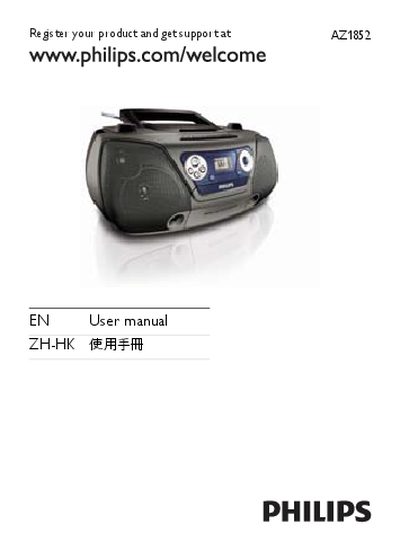
This manual covers important safety information, proper battery handling, and hearing‑safety guidelines for the Philips AZ1852 CD Soundmachine. It also explains the functions of the remote control, front panel controls, and supported media formats.
Additional sections describe cleaning and maintenance procedures, detailed technical specifications, and troubleshooting steps for common issues such as no power, no sound, or USB compatibility problems. Disposal and recycling information for the unit and its batteries are also included.
| Disc Laser Type | Semiconductor |
|---|---|
| Disc Diameter | 12cm/8cm |
| Supported Disc Formats | CD‑DA, CD‑R, CD‑RW, MP3‑CD, WMA‑CD |
| Audio DAC | 24 Bits / 44.1 kHz |
| Total Harmonic Distortion (Audio) | < 1 % |
| Frequency Response | 60 Hz – 16 kHz |
| Signal‑to‑Noise Ratio (Audio) | > 62 dB A |
| FM Tuning Range | 87.5 MHz – 108 MHz |
| Total Harmonic Distortion (FM) | < 3 % |
| Signal‑to‑Noise Ratio (FM) | > 50 dB |
Check that the mains cord is securely connected, verify that the AC mains is supplying power, and ensure the batteries are inserted correctly.
Use a Philips CD lens cleaner or a commercially available cleaner and follow the supplied instructions to clean the lens.
Adjust the volume, make sure the correct source is selected, and verify that the disc is clean and properly inserted.