
Key facts
- Brand
- Analog Devices
- Model
- Eval‑Control Brd2
- Category
- Other Electronics
- Industry
- Electronics
- Documents
- 2
- Languages
- EN
- Last added
- 2026-09-29
Start here
Analog Devices Eval‑Control Brd2 Evaluation Board Controller User Manual
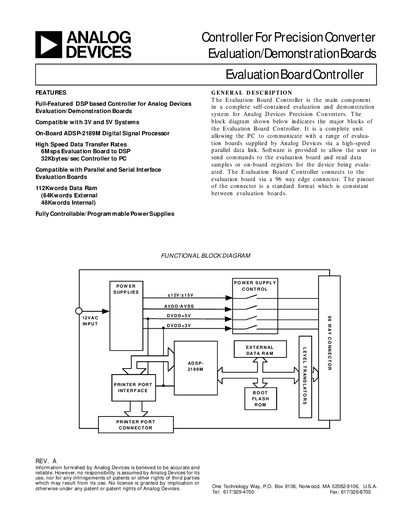
The Evaluation Board Controller is a DSP‑based unit that provides a high‑speed parallel interface between a PC and Analog Devices precision‑converter evaluation boards. It includes an on‑board ADSP‑2189M processor, configurable power supplies, level translators for 3 V/5 V boards, and a 96‑way edge connector.
The manual covers system requirements, hardware description, power‑supply configuration, software installation, operation of the control software, and a troubleshooting guide, plus a complete bill of materials for the controller board.
Analog Devices Eval‑Control Brd2 specifications
| Processing speed | 40 MIPs |
|---|---|
| Data RAM | 112 Kwords (48 Kwords internal, 64 Kwords external) |
| Logic level translators | 3 V/5 V compatible |
| Digital supply voltage | ±3 V / ±5 V |
| Analog supply voltage | ±3 V / ±5 V |
| Additional supply voltage | ±12 V / ±15 V |
| Interface speed to PC | 32 Kbytes/sec |
Source: Analog Devices Eval‑Control Brd2 Evaluation Board Controller User Manual
All Analog Devices Eval‑Control Brd2 documents by type
Day-to-day operation, settings and troubleshooting. Start here if the product is already set up.
Questions answered in these manuals
What PC is required to use the Evaluation Board Controller?
A Pentium 90 MHz or faster PC with a bidirectional printer port and a standard 12 VAC, 1 A transformer.
From: Analog Devices Eval‑Control Brd2 Evaluation Board Controller User Manual
How can I tell if my printer port is bidirectional?
Check the PC’s BIOS settings; bidirectional capability is usually indicated there, and you may need to enable it.
From: Analog Devices Eval‑Control Brd2 Evaluation Board Controller User Manual
What parallel port mode is required for the ECB?
The ECB requires at least one parallel port set in bidirectional mode, preferably ECP (Extended Capability Protocol) mode.
Can USB-to-LPT dongles be used with the ECB?
No, the use of USB-to-LPT dongles is not allowed because the GIVEIO driver needs a legacy LPT port.