
About Agilent
Agilent Technologies manufactures scientific instruments and software for industries including clinical diagnostics, life sciences, and semiconductor testing. Their product lines include liquid chromatography, gas chromatography/mass spectrometry, cell analysis, and atomic spectroscopy systems.
- Official website
- www.agilent.com/en
- Product lines
- Liquid Chromatography, Gas Chromatography / Mass Spectrometry (GC/MS), Cell Analysis, Atomic Spectroscopy, Specialty CDMO Services, PFAS Kits, Digital Pathology, Supplies & Consumables
Sources: Agilent G1369C LAN Interface Card User Manual · Agilent ESA Series Spectrum Analyzer Datasheet · official site. Checked 2026-10-13. Contact details change - confirm them on the manufacturer's site.
Key facts
- Manuals
- 5,354
- Models
- 483
- Categories
- 14
- Languages
- EN · ZH · PT
- Last added
- 2026-10-13
Agilent models by category
Featured Agilent manuals
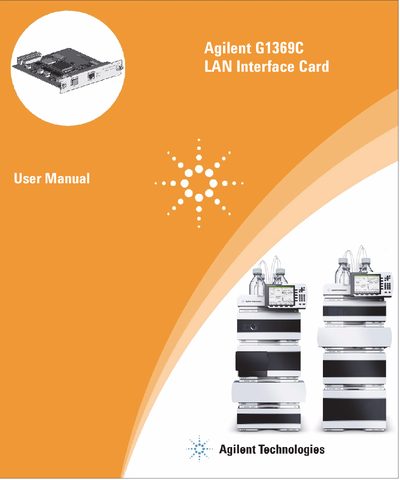
Agilent G1369C LAN Interface Card User Manual
This manual covers the Agilent G1369C LAN Interface Card, which serves as a replacement for the G1369A/B and HP JetDirect cards. It is designed for use with Agilent 1100/1200/1260 series HPLC modules, the 8453 UV-vis spectrophotometer, the 35900E A/D converter, and the 6850 Series GC. The card supports remote control, data acquisition, and acts as a direct replacement for the GPIB interface protocol.
Covers: Introduction to the LAN Interface Card · Versions of LAN Cards · LAN Control Configurations · LAN Interface Card Compatibility · Installing and Cabling the LAN Interface Card · LAN Interface Card Configuration
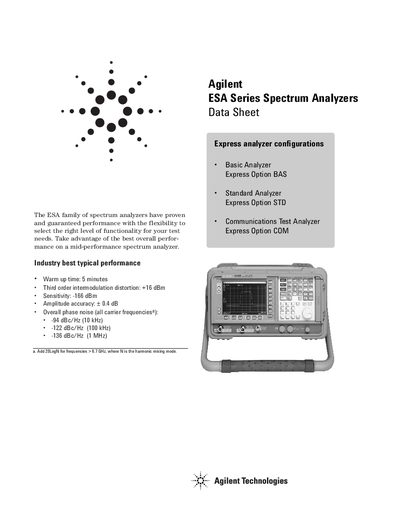
Agilent ESA Series Spectrum Analyzer Datasheet
This document provides guaranteed performance data and typical characteristics for the Agilent ESA family of spectrum analyzers. It covers various configurations including Basic, Standard, and Communications Test Analyzers with Express options.
The datasheet outlines specific technical parameters such as frequency ranges, resolution bandwidths, sweep times, and amplitude accuracy under defined conditions like temperature and calibration cycles.
Covers: Definitions and Conditions · Frequency Specifications · Amplitude Specifications · General Specifications · Option Ordering
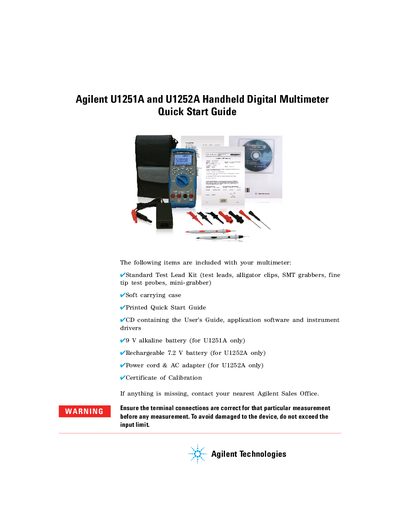
Agilent U1251A and U1252A Handheld Digital Multimeter Quick Start Guide
The document serves as a Quick Start Guide for the Agilent U1251A and U1252A Handheld Digital Multimeters. It details the contents of the standard kit, including test leads, batteries, and software drivers specific to each model.
The guide provides step-by-step instructions for performing various measurements, including AC/DC voltage and current, resistance, conductance, continuity, capacitance, temperature, and frequency. It also explains how to use the square wave output function available on the U1252A model.
Covers: Included Items · Voltage Measurement · Current Measurement · Resistance and Continuity · Capacitance and Temperature · Frequency Measurements
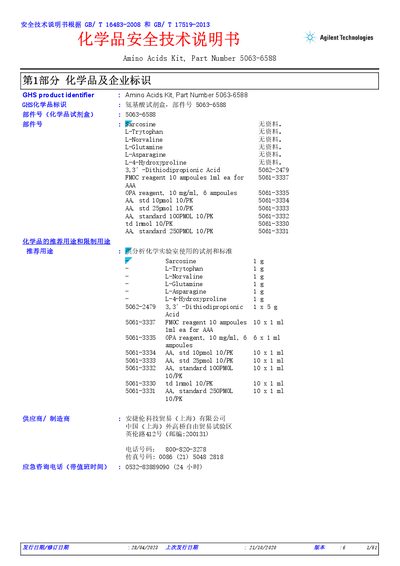
Agilent Amino Acids Kit 5063-6588 Safety Data Sheet
This document is the Safety Data Sheet (SDS) for the Agilent Amino Acids Kit, Part Number 5063-6588. It is provided by Agilent Technologies Trading (Shanghai) Co., Ltd. and is intended for use in analytical chemistry laboratories.
The kit contains various amino acids and reagents, including Sarcosine, L-Tryptophan, L-Norvaline, L-Glutamine, L-Asparagine, L-4-Hydroxyproline, 3,3'-Dithiodipropionic Acid, FMOC reagent, OPA reagent, and several standard amino acid solutions. The document outlines the recommended uses, restrictions, and specific hazard classifications for each component according to GB standards. This manual is written in Chinese.
Covers: Chemical Identification · Hazards Identification · Composition/Information on Ingredients · First Aid Measures · Fire-Fighting Measures · Accidental Release Measures
Latest Agilent manuals
Agilent G1369C LAN Interface Card User Manual
User Manual 66 pages · 2.5 MB · ENThis user manual provides installation, configuration, and usage instructions for the Agilent G1369C LAN Interface Card, including setup for Agilent HPLC…
Agilent ESA Series Spectrum Analyzer Datasheet
Datasheet 14 pages · 394 KB · ENTechnical datasheet detailing frequency, amplitude, and general specifications for the Agilent ESA series spectrum analyzers.
Agilent U1251A and U1252A Handheld Digital Multimeter Quick Start Guide
Quick Start Guide 6 pages · 1.7 MB · ENThis guide provides quick start instructions for the Agilent U1251A and U1252A handheld digital multimeters, covering voltage, current, resistance…
Agilent Amino Acids Kit 5063-6588 Safety Data Sheet
Product Leaflet 61 pages · 2.1 MB · ZHThis document is the Safety Data Sheet (SDS) for the Agilent Amino Acids Kit (Part Number 5063-6588), detailing chemical hazards and handling instructions.
Agilent 7800/7900 ICP-MS Site Preparation Checklist
Installation Guide 36 pages · 1.6 MB · ZHThis guide details site preparation requirements for the Agilent 7800/7900 ICP-MS, covering space, environmental conditions, power, cooling water, gas, and…
Agilent SATA RSG MOI Test Procedures Manual
Service Manual 48 pages · 2.2 MB · ENThis document outlines test procedures and resource requirements for verifying receiver jitter tolerance in Serial ATA devices using Agilent equipment.
Agilent 5188-5372 FID MDL Test Sample Safety Data Sheet
Product Leaflet 11 pages · 645 KB · ZHSafety Data Sheet for Agilent 5188-5372 FID MDL Test Sample, detailing hazards, handling, and storage for this highly flammable laboratory reagent.
Agilent D1000 Reagents Safety Data Sheet
Product Leaflet 12 pages · 562 KB · ZHSafety Data Sheet for Agilent D1000 Reagents (Part Number 5067-5583), covering composition, hazards, first aid, and disposal instructions.
Agilent 34980A Multifunction Switch/Measure Unit User's Guide
User Manual 131 pages · 2.6 MB · ZHThis user guide provides operating instructions, configuration settings, and safety information for the Agilent 34980A Multifunction Switch/Measure Unit.
Agilent MassHunter Veterinary Drugs PCDL Quick Start Guide
Quick Start Guide 8 pages · 102 KB · ENThis guide provides installation instructions and usage guidance for the Agilent MassHunter Veterinary Drugs PCDL, covering database searching and management.
Agilent 5190-0521EU Greenhouse Gas Checkout Sample Safety Data Sheet
Product Leaflet 9 pages · 456 KB · ZHSafety Data Sheet for Agilent 5190-0521EU Greenhouse Gas Checkout Sample, detailing hazards, handling, and storage.
Agilent HFBR-4531/4532/4533/4535 Crimpless Connectors for Plastic Optical Fiber Datasheet
Datasheet 6 pages · 387 KB · ENDatasheet for Agilent HFBR-453x series crimpless connectors for plastic optical fiber, featuring snap-together design and termination instructions.
Agilent OpenLab CDS 2.4 Release Notes
Other 22 pages · 357 KB · ZHThis document details the new features, hardware support, data integrity enhancements, and driver updates included in Agilent OpenLab CDS version 2.4.
Agilent PfuTurbo Hotstart DNA Polymerase Instruction Manual
User Manual 14 pages · 244 KB · ENThis manual provides instructions for using Agilent PfuTurbo Hotstart DNA Polymerase, covering materials, storage, optimization parameters, and PCR protocols.
Agilent 600553 Brilliant Multiplex QPCR Master Mix Safety Data Sheet
Product Leaflet 14 pages · 632 KB · ZHSafety data sheet for Agilent Brilliant Multiplex QPCR Master Mix (Part Number 600553), detailing hazards, composition, and handling instructions.
Which document do I need?
User Manual
Day-to-day operation, settings and troubleshooting. Start here if the product is already set up.
Datasheet
Ratings, dimensions and ordering codes, for selection and design work.
Quick Start Guide
The shortest path to a working setup, usually only a few pages.
Installation Guide
Mounting, wiring and first power-up. Read it before the hardware goes in.
Service Manual
Disassembly, diagnostics and part numbers, for repair.
Application Note
How to use the product for one specific task, with worked examples.
Questions answered in Agilent manuals
What instruments is the G1369C compatible with?
It is compatible with Agilent 1100/1200/1260 series HPLC modules, the 8453 UV-vis spectrophotometer, the 35900E A/D converter, and the 6850 Series GC.
Does the G1369C replace previous models?
Yes, it is a replacement for the previously used Agilent G1369A/B LAN Interface Card or HP JetDirect card.
What are the conditions for the analyzer to meet its specifications?
The analyzer must be within the one year calibration cycle and meet specific alignment or temperature stability requirements depending on settings.
What is the typical warm-up time required?
The typical warm-up time is 5 minutes.
What is included in the standard test lead kit?
The kit includes alligator clips, SMT grabbers, fine tip test probes, and a mini-grabber.
From: Agilent U1251A and U1252A Handheld Digital Multimeter Quick Start Guide
What battery is required for the U1251A model?
The U1251A requires a 9 V alkaline battery.
From: Agilent U1251A and U1252A Handheld Digital Multimeter Quick Start Guide