
Key facts
- Brand
- Philips
- Model
- SNP3000
- Documents
- 3
- Languages
- ZH · EN
- Last added
- 2011-10-22
Start here
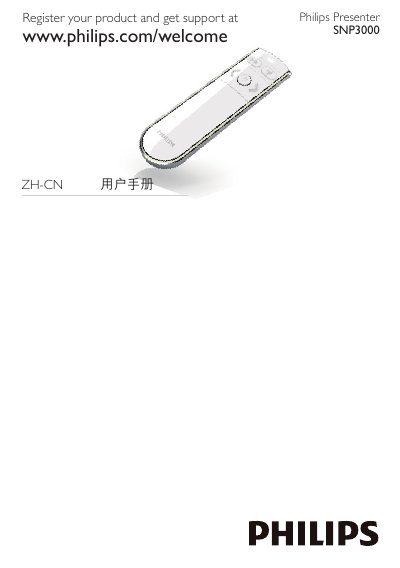
Philips SNP3000 Presenter User Manual
This user manual covers the Philips SNP3000 Presenter. It explains product registration, how to insert the AAA battery, switch the presenter on and off, and connect it to a notebook using the USB receiver.
The document also describes LED indicator signals, auto-connection steps, USB receiver storage, Mac installation notes, and troubleshooting for transmission and battery issues.
Philips SNP3000 specifications
| USB dongle | OVU800001, RF 24GHz USB Dongle |
|---|---|
| Remote control | RC2450501, RF 2.4GHz Essential Remote Control with Laser Pointer |
| Standards compliance | IDA Standards DB 100486 |
All Philips SNP3000 documents by type
Day-to-day operation, settings and troubleshooting. Start here if the product is already set up.
Questions answered in these manuals
Which USB dongle is listed for the Philips SNP3000?
The manual lists an RF 24GHz USB dongle with the model number OVU800001.
What battery warning does the manual give?
There is a risk of explosion if the battery is replaced by an incorrect type, and used batteries must be disposed of according to the instructions.
What systems does the SNP3000 support?
It works with Microsoft Windows 2000, ME, Vista and XP, and Mac OS X 10.2.8 or above.
What battery does the SNP3000 use?
It uses one AAA battery.
How do I switch on the Philips SNP3000 Presenter?
Open the battery compartment, insert 1 AAA battery with correct polarity, push the slide selector to ON, and close the compartment.
Where should I store the USB receiver after use?
Insert the USB receiver into the Presenter for storage.