
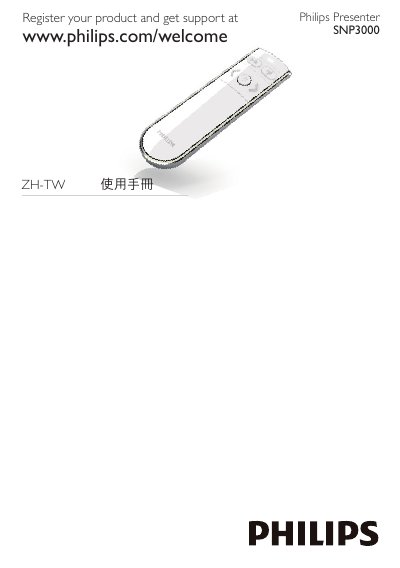
The Philips SNP3000 is a presenter supplied with an RF USB dongle. This Traditional Chinese user manual starts with product registration information and a pictorial parts overview, then gives numbered steps for setting up and using the presenter with a computer, including the Mac Keyboard Setup Assistant.
The booklet also covers battery handling, with a warning that there is a risk of explosion if the battery is replaced by an incorrect type and instructions to dispose of used batteries accordingly. It lists accessories such as the OVU800001 RF 24GHz USB Dongle and the RC2450501 RF 2.4GHz Essential Remote Control with Laser Pointer, notes compliance with IDA Standards DB 100486, and closes with a 2010 Koninklijke Philips Electronics copyright notice. This manual is written in Chinese.
| USB dongle | OVU800001, RF 24GHz USB Dongle |
|---|---|
| Remote control | RC2450501, RF 2.4GHz Essential Remote Control with Laser Pointer |
| Standards compliance | IDA Standards DB 100486 |
The manual lists an RF 24GHz USB dongle with the model number OVU800001.
There is a risk of explosion if the battery is replaced by an incorrect type, and used batteries must be disposed of according to the instructions.
The manual refers to the Keyboard Setup Assistant on the Mac to complete the connection.