
Key facts
- Brand
- Philips
- Model
- SPZ3000
- Category
- Monitoring Equipment
- Industry
- Electronics
- Documents
- 4
- Languages
- ZH · EN
- Last added
- 2012-03-23
Start here
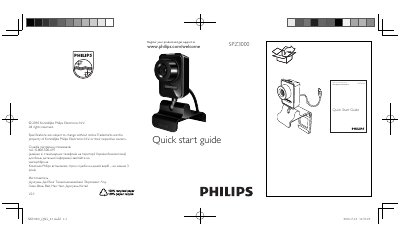
Philips SPZ3000 Security Camera Quick Start Guide
This guide explains how to register your Philips SPZ3000 camera and obtain support through the Philips website. It includes the support phone number for Ukraine and notes the product’s service life of at least three years.
The document also provides download links for the full user manual and video‑enhancement software, and states that the maximum video recording resolution is 640 × 480 (VGA).
Philips SPZ3000 specifications
| Supported video resolution | 160 x 120 (SQVGA) |
|---|---|
| Supported video resolution | 176 x 144 (QCIF) |
| Supported video resolution | 352 x 288 (CIF) |
| Supported video resolution | 640 x 480 (VGA) |
| Supported video resolution | 1280 x 1024 (SXGA) |
| Supported video resolution | 2560 x 2048 (5MP) |
All Philips SPZ3000 documents by type
Day-to-day operation, settings and troubleshooting. Start here if the product is already set up.
The shortest path to a working setup, usually only a few pages.
Questions answered in these manuals
How do I register the Philips SPZ3000 camera?
Visit the registration page at www.philips.com/welcome to register your product and get support.
Which software is used to capture video from the SPZ3000?
The Philips CamSuite Capture application is used for video capture.
How do I register my Philips SPZ3000 camera?
Register your product at www.philips.com/welcomeSPZ3000.
What is the maximum video recording resolution of the SPZ3000?
The maximum resolution is 640 × 480 (VGA).
What is the image resolution of the Philips SPZ3000 camera?
The camera captures images at 130 万像素, which is about 1.3 MP.
Does the SPZ3000 support facial detection?
Yes, the camera includes a facial detection function.