
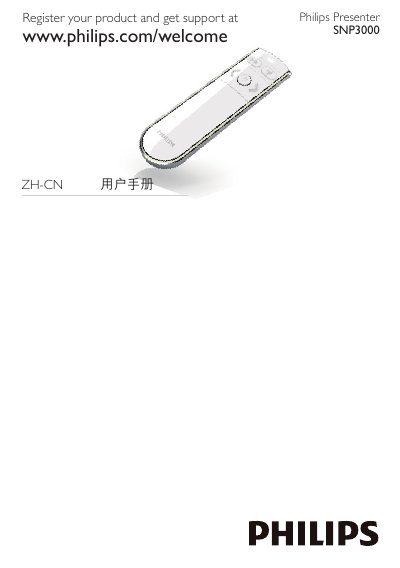
This user manual covers the Philips SNP3000 Presenter. It explains product registration, how to insert the AAA battery, switch the presenter on and off, and connect it to a notebook using the USB receiver.
The document also describes LED indicator signals, auto-connection steps, USB receiver storage, Mac installation notes, and troubleshooting for transmission and battery issues.
| Battery type | 1 AAA battery |
|---|---|
| Model type | C1 SNP3000 |
Open the battery compartment, insert 1 AAA battery with correct polarity, push the slide selector to ON, and close the compartment.
Insert the USB receiver into the Presenter for storage.
Ensure that you use the Presenter within effective range.