
Key facts
- Brand
- Philips
- Model
- DC570
- Category
- Hi-Fi
- Industry
- Appliances
- Documents
- 3
- Languages
- EN
- Last added
- 2012-03-27
Start here
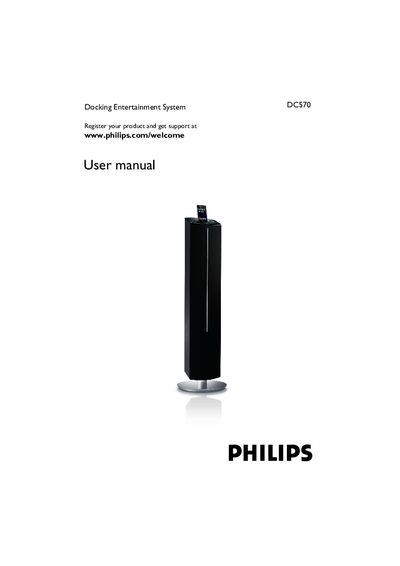
Philips DC570 User Manual
This manual guides you through registering your Philips DC570 docking entertainment system, safety precautions, supplied accessories, and environmental information. It explains how to connect power, USB devices, FM antenna, and optional equipment, as well as how to use the remote control, set the clock, timer, and sleep functions, and operate the iPod dock and radio features.
Additional sections cover basic functions, power‑saving modes, troubleshooting tips, and the New Zealand guarantee and service information. The document also includes specifications and programming instructions for track numbers and radio stations.
All Philips DC570 documents by type
Day-to-day operation, settings and troubleshooting. Start here if the product is already set up.
Disassembly, diagnostics and part numbers, for repair.
Questions answered in these manuals
How do I set the clock on the DC570?
Press PROG/SET TIME for more than 3 seconds, then use S/T to set minutes and TUNING +/- to set hours, and press PROG/SET TIME again to confirm.
How can I play music from a USB device?
Insert the USB plug into the socket, press the USB button, and the system will play the audio files from the USB mass‑storage device.
How do I register my Philips DC570?
Register your product at the Philips website: www.philips.com/welcome.
How can I replace the remote control battery?
The manual includes a section titled "Replacing the remote control battery" with the required steps.
Are all fixed resistors chip-resistors?
Yes, all fixed resistors are chip-resistors.
Are all capacitors chip-capacitors?
All capacitors are chip-capacitors except for electrolytic capacitors and trimcapacitors.