
Key facts
- Brand
- Philips
- Model
- DCD132
- Category
- Hi-Fi
- Industry
- Appliances
- Documents
- 7
- Languages
- EN · ZH
- Last added
- 2012-03-27
Start here
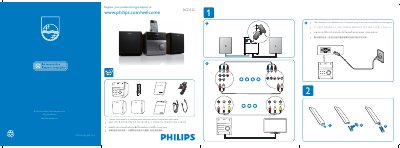
Philips DCD132 Quick Start Guide
The guide begins with instructions on registering the DCD132 at the Philips support site (www.philips.com/welcome) and provides contact information for local retailers to purchase optional component video cables. It also notes that the power plug may differ by region.
Further sections explain how to connect video sources (component video cables), set up the on‑screen display language via the OSD Language Menu, and navigate basic menu options such as DVD, VCD, SVCD, and subtitle settings.
All Philips DCD132 documents by type
Day-to-day operation, settings and troubleshooting. Start here if the product is already set up.
The shortest path to a working setup, usually only a few pages.
Questions answered in these manuals
How do I register my Philips DCD132?
Visit www.philips.com/welcome and follow the registration instructions.
How do I replace the battery in the remote control?
Open the battery tray, insert a lithium CR2025 battery with correct polarity, and close the tray.
How do I register my Philips DCD132?
Visit the registration page at www.philips.com/welcome and follow the on‑screen instructions.
How can I change the on‑screen language on the DCD132?
Open the OSD Language Menu and select the desired language.
Where can I register my Philips DCD132?
You can register the product at www.philips.com/welcome.
How do I change the language on the DCD132?
Use the OSD LANGUAGE MENU in the Language Setup screen.