
The document is a user manual for a sound system, which describes the functions and features of the system.
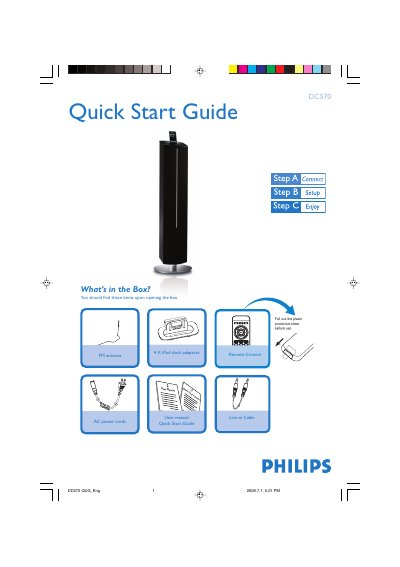
This guide covers everything you need to get started with the Philips DC570 audio system, including the contents of the box, quick‑start steps, and detailed usage instructions. It explains how to connect the FM antenna, set the clock, use USB playback, program radio stations, and operate the iPod dock.
Safety and remote‑control information are also included. If the system has a voltage selector, set it to the local power voltage, and follow the remote‑control steps to select sources and functions such as USB, TUNER, or iPod.
Press PROG/SET TIME for more than 3 seconds, then use S/T to set minutes and TUNING +/- to set hours, and press PROG/SET TIME again to confirm.
Insert the USB plug into the socket, press the USB button, and the system will play the audio files from the USB mass‑storage device.