
This is a user manual for Philips DC570 Docking Entertainment System.
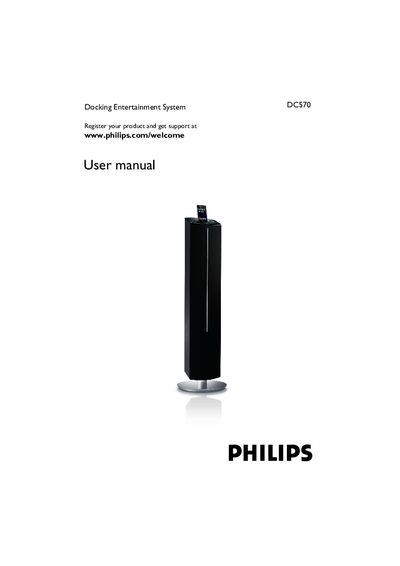
This manual guides you through registering your Philips DC570 docking entertainment system, safety precautions, supplied accessories, and environmental information. It explains how to connect power, USB devices, FM antenna, and optional equipment, as well as how to use the remote control, set the clock, timer, and sleep functions, and operate the iPod dock and radio features.
Additional sections cover basic functions, power‑saving modes, troubleshooting tips, and the New Zealand guarantee and service information. The document also includes specifications and programming instructions for track numbers and radio stations.
Register your product at the Philips website: www.philips.com/welcome.
The manual includes a section titled "Replacing the remote control battery" with the required steps.
Use the "Clock setting" option in the menu to adjust the time.