
Key facts
- Brand
- Philips
- Model
- DC200
- Category
- Hi-Fi
- Industry
- Appliances
- Documents
- 4
- Languages
- EN · ZH
- Last added
- 2012-03-27
Start here
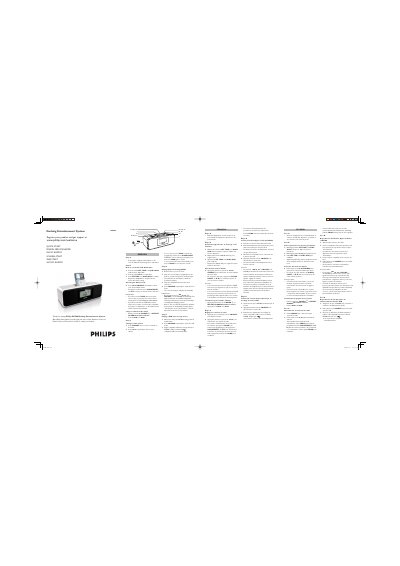
Philips DC200 Docking Entertainment System Quick Start Guide
This guide walks you through the basic setup of the Philips DC200 Docking Entertainment System. It explains how to connect the supplied 9 V DC mains adapter, power the unit, and register the product for support.
It then covers everyday functions such as setting the clock and alarm, selecting alarm modes (nature sounds, tuner, iPod/USB), tuning radio stations, and playing music from an Apple iPod or a USB mass‑storage device. Multilingual instructions are provided for several European languages.
Philips DC200 specifications
| Power Input | 100‑240 V ~ 50/60 Hz 0.7 A |
|---|---|
| Power Output | 9 V 1.56 A |
| Maximum FM Presets | 20 stations |
| Maximum Audio Files on USB | 999 files |
| Supported USB File System | FAT12, FAT16, FAT32 |
All Philips DC200 documents by type
Day-to-day operation, settings and troubleshooting. Start here if the product is already set up.
The shortest path to a working setup, usually only a few pages.
Questions answered in these manuals
How do I set the clock and alarm time on the DC200?
Press and hold SET TIME or 1 ALM/2 ALM until the hour digits flash, then press and hold ∞ § to adjust the time and confirm with SET TIME or 1 ALM/2 ALM.
From: Philips DC200 Docking Entertainment System Quick Start Guide
What are the ways to switch off the alarm?
You can briefly press POWER 2 or REPEAT ALARM/BRIGHTNESS CONTROL, or press 1 ALM, or press 2 ALM.
From: Philips DC200 Docking Entertainment System Quick Start Guide
How do I set the clock on the DC200?
In standby mode, press and hold PROG/SET TIME until the clock digits flash, then use the ± buttons to adjust hours and minutes and press PROG/SET TIME to confirm.
How can I connect an iPod to the DC200?
Remove the top cover of the dock, snap the compatible iPod into the dock connector, and press SOURCE repeatedly to switch to iPod mode; the display will show “iPod”.
How can I tune the radio to a desired station?
Press SOURCE to turn on the radio, then repeatedly press the tuning button until the desired station is reached.
How do I play music from an iPod?
Insert a compatible iPod into the dock adapter, then repeatedly press SOURCE to select iPod mode; playback starts automatically.