
Key facts
- Brand
- Philips
- Model
- CEM210
- Category
- Car Speakers
- Industry
- Automotive
- Documents
- 4
- Languages
- EN
- Last added
- 2012-05-02
Start here
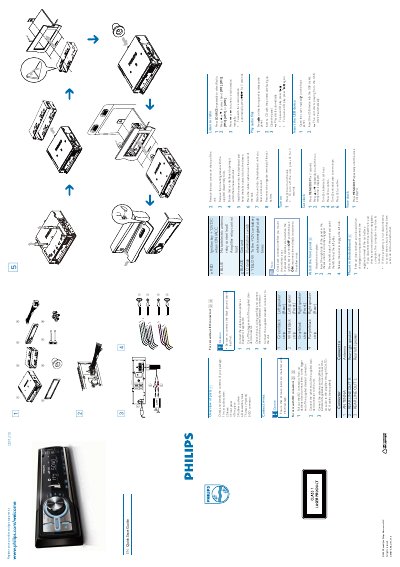
Philips CEM210 Car Audio System Quick Start Guide
This Quick Start Guide walks you through unpacking the CEM210 car audio system, identifying each component, and preparing the vehicle for installation. It includes wiring diagrams, connector details, and safety cautions.
Key procedures cover mounting the unit in the dashboard, connecting power and audio wires, setting the clock, and using the radio, CD, and USB functions. Follow the step‑by‑step instructions to get the system up and running quickly.
All Philips CEM210 documents by type
Day-to-day operation, settings and troubleshooting. Start here if the product is already set up.
The shortest path to a working setup, usually only a few pages.
Questions answered in these manuals
How do I install the CEM210 unit in the dashboard?
Remove the two screws on the top of the unit, take out the mounting sleeve, insert it into the dashboard opening, place the rubber cushion, slide the unit in until it clicks, then reconnect the battery.
How do I set the clock on the CEM210?
Press MENU/DISP for 3 seconds, then use the 3 or 4 button to display the time, turn the knob clockwise to set the hour and anti‑clockwise to set the minute.
How do I turn Dynamic Bass Boost on or off?
Press the DBB button to turn Dynamic Bass Boost on or off.
How can I restore the unit to its default settings?
Press the RESET button to restore default settings.