
Key facts
- Brand
- Philips
- Model
- SPT5701
- Category
- Other Computer Accessories
- Documents
- 2
- Languages
- EN · ZH
- Last added
- 2012-03-26
Start here
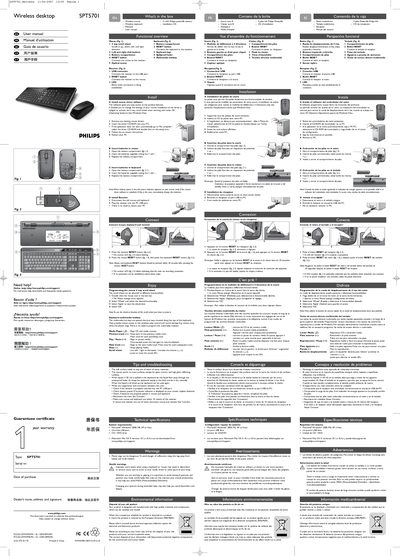
Philips SPT5701 Wireless Mouse and Keyboard User Manual
This manual covers everything you need to get the Philips SPT5701 wireless mouse and keyboard up and running. It starts with a list of items in the box, shows the functional overview of the mouse, keyboard and receiver, and walks you through driver installation, battery replacement, and receiver connection.
Later sections explain how to program the 4‑way scroll wheel, use the keyboard multimedia hotkeys, and troubleshoot common issues. Technical specifications, system requirements, health warnings, environmental disposal information, and FCC compliance details are also included.
Philips SPT5701 specifications
| Model | SPT5701 |
|---|---|
| Supported operating systems | Microsoft Windows 2000, ME, XP, Vista; Mac OS X 10.1‑10.4 (download) |
| USB requirement | One free USB port |
| Battery type | 4 × AA Philips Powerlife batteries |
| Maximum wireless range | Within 10 m of the receiver |
| FCC ID | OYM‑PK5701 |
Source: Philips SPT5701 Wireless Mouse and Keyboard User Manual
All Philips SPT5701 documents by type
Day-to-day operation, settings and troubleshooting. Start here if the product is already set up.
Questions answered in these manuals
How do I install the mouse driver software?
Remove any existing mouse drivers, insert the driver CD‑ROM, run the setup program, and restart the PC.
From: Philips SPT5701 Wireless Mouse and Keyboard User Manual
How do I replace the batteries in the mouse?
Open the battery compartment, insert the supplied AA batteries with the correct polarity, and close the compartment.
From: Philips SPT5701 Wireless Mouse and Keyboard User Manual
What is the DPI resolution of the keyboard?
It provides a high‑precision resolution of 1000 DPI.