
Key facts
- Brand
- Philips
- Model
- DVP3880
- Category
- Other Electronics
- Documents
- 2
- Languages
- EN
- Last added
- 2012-05-02
Start here
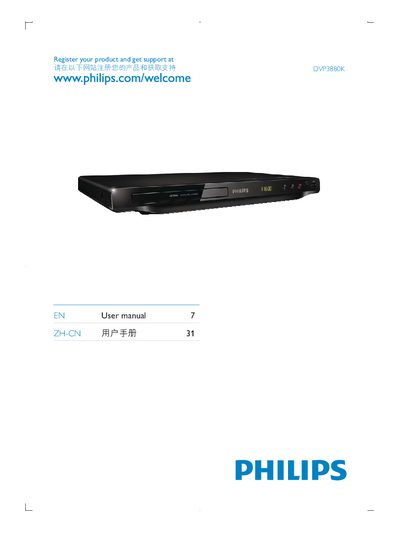
Philips DVP3880K User Manual
This manual explains how to register your Philips DVP3880K product and obtain support at www.philips.com/welcome. It also includes a reminder to read the safety information before using the TV.
The guide lists the available connections such as HDMI OUT and AUDIO OUT, and provides language code tables for multilingual settings.
Philips DVP3880 specifications
| Picture D/A converter | 12-bit, 108 MHz |
|---|---|
| Sound D/A converter | 24-bit, 192 kHz |
| Signal‑to‑noise ratio | 80 dB |
| Distortion and Noise (1 kHz) | 80 dB |
| Crosstalk (1 kHz) | 90 dB |
| Dynamic Range (1 kHz) | 80 dB |
| Sound System | Dolby Digital |
| Frequency response | 30‑20 000 Hz |
| Video playback media | CD, CD‑R/CD‑RW, Video CD/SVCD, DVD, DivX, DVD+R/+RW, DVD‑R/-RW, DVD‑Video |
| Video compression formats | MPEG1, MPEG2, DivX 3.11‑6.0, DivX Ultra |
| Set dimensions (W×H×D) | 360 × 42 × 209 mm |
| Set weight | 1.4 kg |
| Power consumption | < 10 W |
| Standby power consumption | < 0.5 W |
Source: PHILIPS DVP3860 Manual
All Philips DVP3880 documents by type
Day-to-day operation, settings and troubleshooting. Start here if the product is already set up.
Questions answered in these manuals
What video and audio formats does the DVP3880 support?
It plays CD, CD‑R/CD‑RW, Video CD, SVCD, DVD, DivX, DVD+R/+RW, DVD‑R/-RW, DVD‑Video and supports MPEG1, MPEG2, DivX 3.11‑6.0, DivX Ultra for video, and MP3, WMA, Dolby Digital for audio.
From: PHILIPS DVP3860 Manual
How does EasyLink work with the DVP3880?
EasyLink uses the HDMI‑CEC protocol so a single remote can control all HDMI‑CEC‑enabled devices, allowing functions like standby and play to be sent to multiple devices simultaneously.
From: PHILIPS DVP3860 Manual