
Key facts
- Brand
- Philips
- Model
- SPM6813
- Category
- Other Computer Accessories
- Documents
- 3
- Languages
- EN
- Last added
- 2012-03-26
Start here
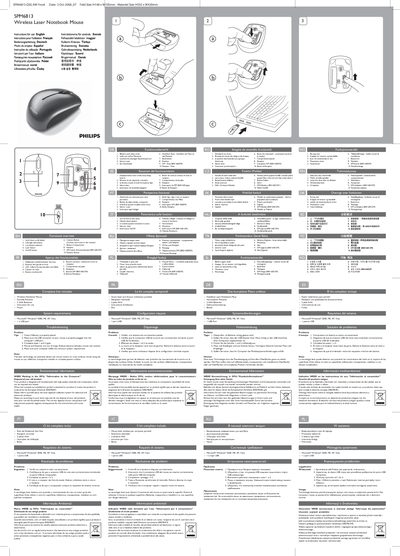
Philips SPM6813 Wireless Mouse User Guide
This guide explains the functional features of the Philips SPM6813 wireless mouse, including the up‑and‑down scroll wheel, left/right click buttons, DPI switch, low‑battery indicator, and on/off switch. It also lists the complete kit contents such as the mouse, a storable USB receiver, two AAA batteries, and a carrying pouch.
The manual covers system requirements (Windows 2000/ME/XP/Vista with a USB port), step‑by‑step connection instructions, troubleshooting tips for out‑of‑range issues, battery replacement, and environmental disposal guidelines, plus FCC compliance notes.
Philips SPM6813 specifications
| Scroll wheel | Up & down |
|---|---|
| Buttons | Left and right click |
| Battery type | 2 AAA |
| Sensor | Laser |
| DPI range | 800‑1600 DPI |
| On/Off switch | Present |
| Low battery indicator | Present |
| Connectivity | USB receiver |
| Dimensions (folded) | H148 x W105 mm |
| Overall size | H592 x W420 mm |
All Philips SPM6813 documents by type
Day-to-day operation, settings and troubleshooting. Start here if the product is already set up.
Questions answered in these manuals
How do I connect the mouse to the receiver?
Press the Connect button on the mouse to pair it with the USB receiver.
How do I replace the batteries?
Open the battery compartment and insert two AAA batteries.