
Key facts
Start here
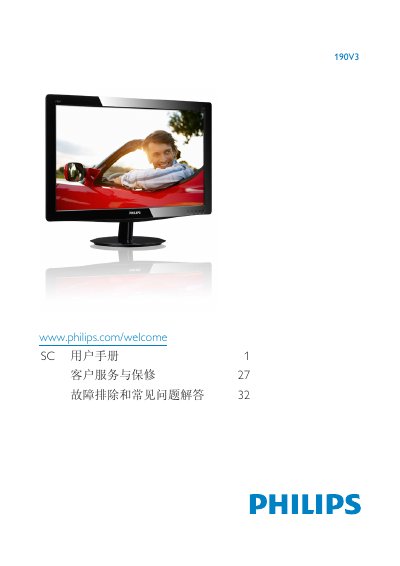
Philips 190V3 Monitor User Manual
This manual explains how to safely set up and use the Philips 190V3 LCD monitor. It covers safety precautions, proper installation of the stand, power connection, and recommended environmental conditions such as temperature (0‑40 °C) and humidity (20‑80 % RH).\n\nThe guide details the On‑Screen Display (OSD) menu, including picture formats, SmartContrast, color temperature settings (6500 K, 9300 K), and user‑defined color adjustments. It also provides troubleshooting tips, cleaning instructions, and warranty requirements. This manual is written in Chinese.
Read onlinePhilips 190V3 specifications
| Native Resolution | 1440 × 900 @60 Hz |
|---|---|
| Operating Temperature | 0‑40 °C |
| Operating Humidity | 20‑80 % RH |
| Color Temperature Settings | 6500 K, 9300 K |
| SmartContrast | On/Off |
All Philips 190V3 documents by type
Day-to-day operation, settings and troubleshooting. Start here if the product is already set up.
Questions answered in these manuals
What are the conditions for Philips warranty coverage?
The product must be used for its intended purpose, follow the operating instructions, and a original receipt showing purchase date, retailer, model and serial number must be provided for service.